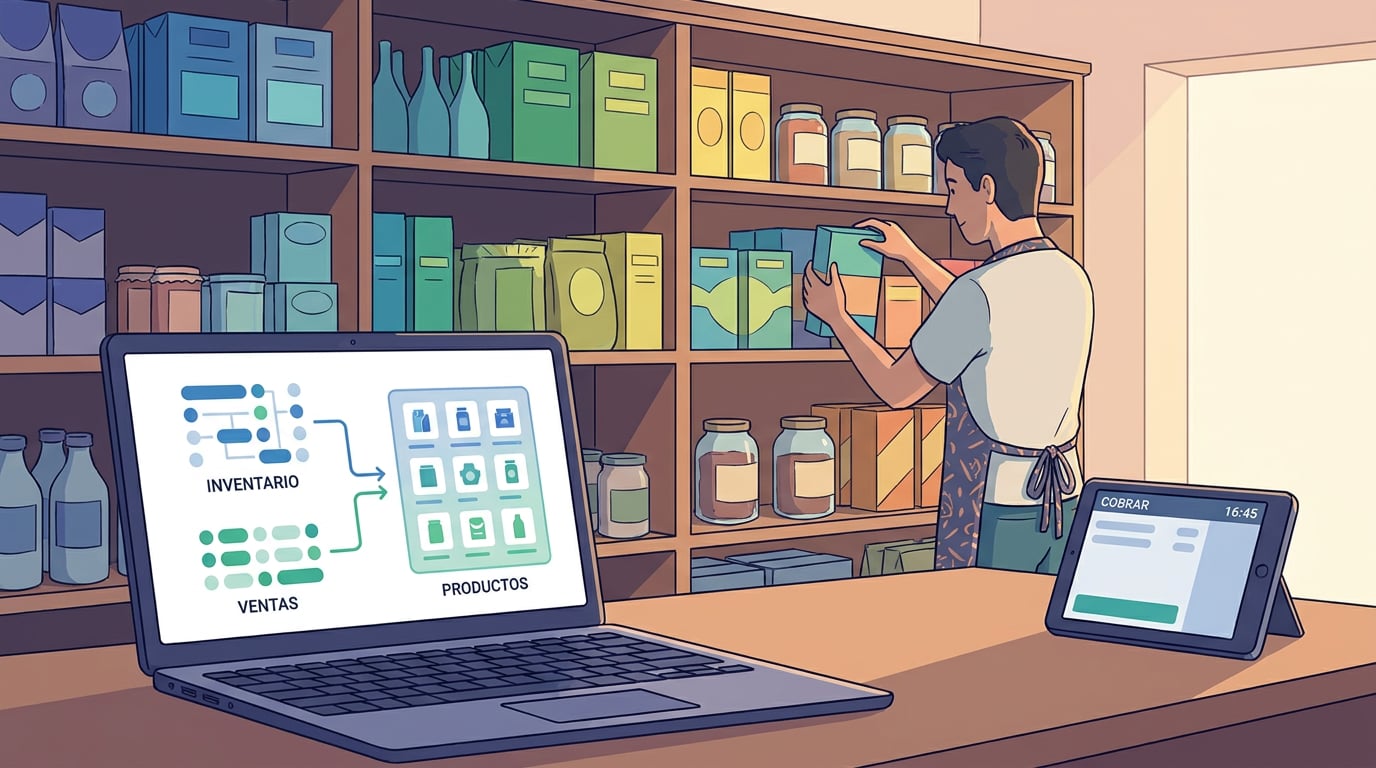
You make and control your customer invoices. Supplier invoices arrive however they arrive: a PDF in an email, sometimes in dollars, sometimes from Ireland or Estonia, sometimes from a supplier who charges you in instalments, and sometimes from one who puts six small charges on your card and sends a single invoice at the end of the month. Until now, in almost any program, someone in administration typed each one in by hand. This week, the NAiOS ERP has closed that entire loop, from PDF invoice to payment, with a rule that is repeated at every step: artificial intelligence proposes, and the human confirms.
Upload the PDF and review what the AI has read
In Money, next to "Record expense", there is now a button to upload the PDF invoice. The ERP extracts the text from the document, passes it to the model and opens a dialogue with the PDF on the left and the proposed expense on the right: supplier, NIF, invoice number, date, taxable base, VAT, withholding, total and due date. Each field has its own confidence level; those that the model is not sure about are marked so you can check them first. If the NIF matches a supplier you already have, it links it; if not, it proposes creating a new one. If that invoice number is already recorded for that supplier, it warns you that it is a duplicate, and if the same file was already attached, it does not even repeat it.
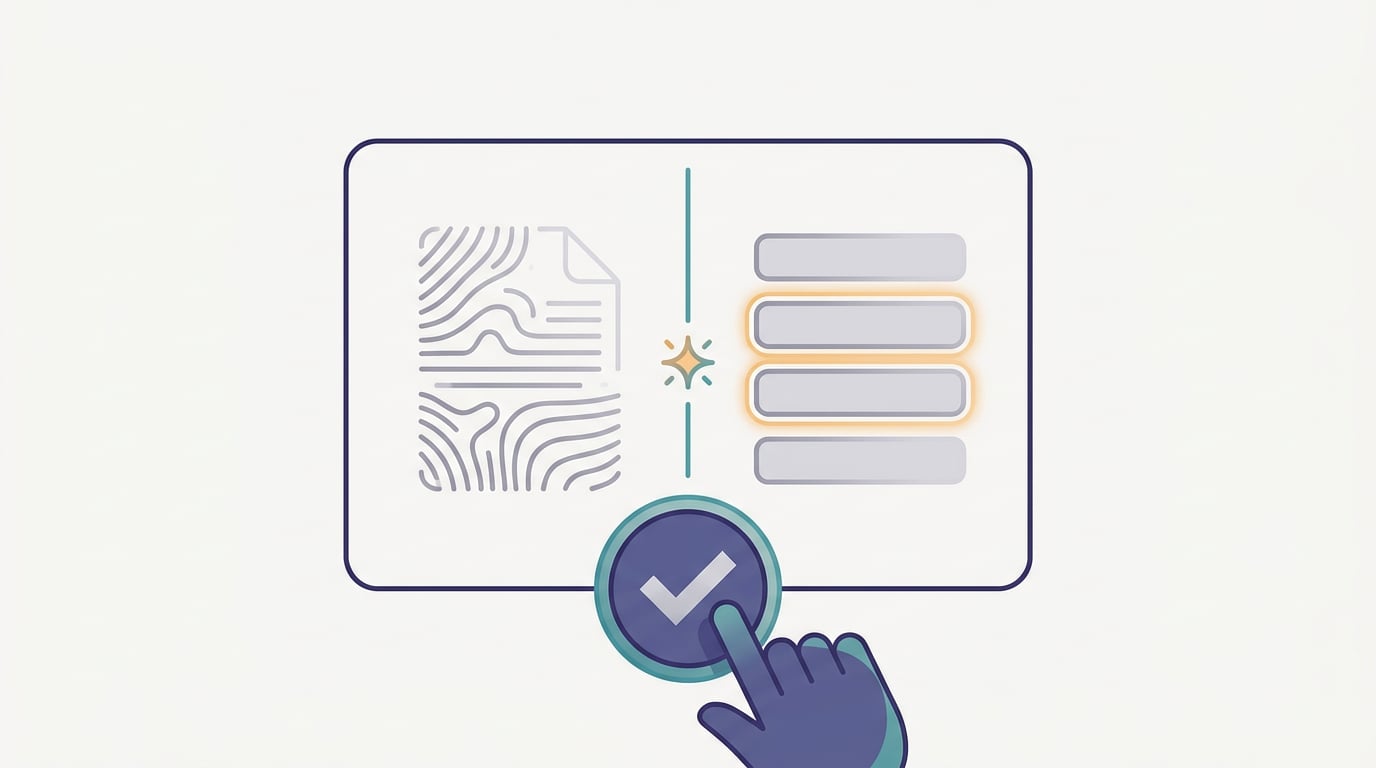
The "Record" button is only activated when the taxable base plus VAT minus withholding equals the total. If it does not balance, the dialogue tells you in real time and you correct the relevant field. The PDF remains attached to the expense, with a paperclip icon in the row and "View PDF" in its menu, for when your accounting firm or an inspection asks for the original. For now, scanned PDFs without a text layer are recorded by hand: the ERP detects this and tells you instead of making up figures.
Dollars, Ireland and Estonia
Many of a small business's suppliers are no longer local. The API service you pay for in dollars, the payment gateway based in Ireland, the tool that invoices from Estonia. With those invoices, two things used to happen: the amount was entered as if it were euros, and a non-existent VAT was added.
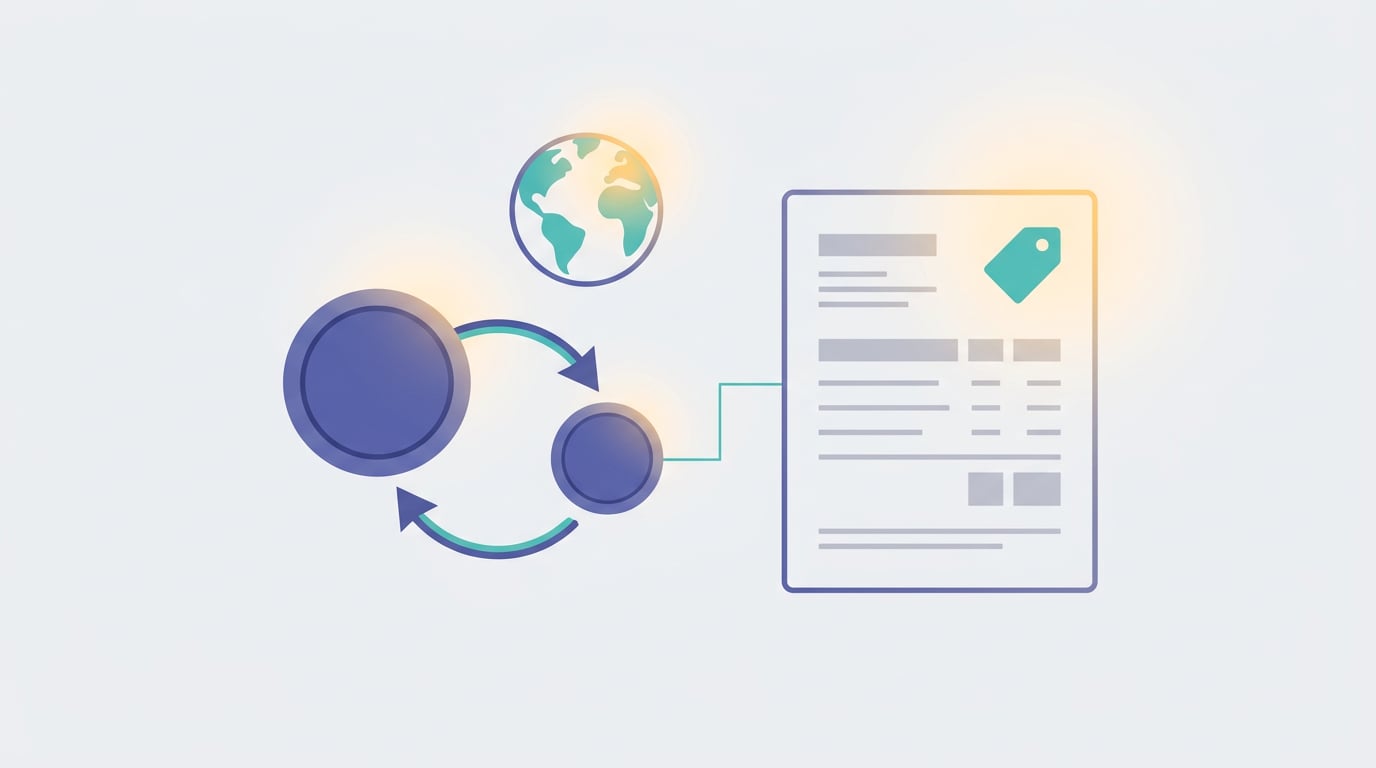
Now, if the PDF comes in another currency, the ERP converts it to euros at the European Central Bank exchange rate on the date of the invoice, saves the original amount and the rate applied in the concept, and shows it to you in a warning so you can see it before confirming. And if the supplier's NIF is from another European Union country, it recognises that it is an intra-community service: it ticks the reverse charge box, leaves the VAT at zero and remembers it in the supplier's file for next time. Accounting, for its part, generates the entry with the self-assessed VAT in the two relevant accounts, so that the expense is correctly reflected in the journal even if the supplier has not charged you a single cent in tax.
The payment gateway deserves its own paragraph, because it was the most confusing case: the customer pays 175 euros, the bank receives 170 and the difference is split between the fee for that transaction and other fees grouped by the gateway. When registering the collection of an invoice, you can indicate the two fees separately; the ERP records each one as an expense of the gateway supplier, collects the entire invoice from the customer and sends only the net amount to the bank, which is what then matches the statement. At the end of the month, the gateway's fee invoice arrives, with reverse charge and no VAT: the ERP recognises it when uploaded and offers to reconcile it against the fees already recorded that month, without duplicating the expense.
Paying is not always paying all at once
A supplier invoice of 1,990 euros paid in monthly instalments of 180. A server provider that makes small charges on your card throughout the month and sends an invoice for the total on the 30th. With the expense simply marked as paid or unpaid, neither case fit.
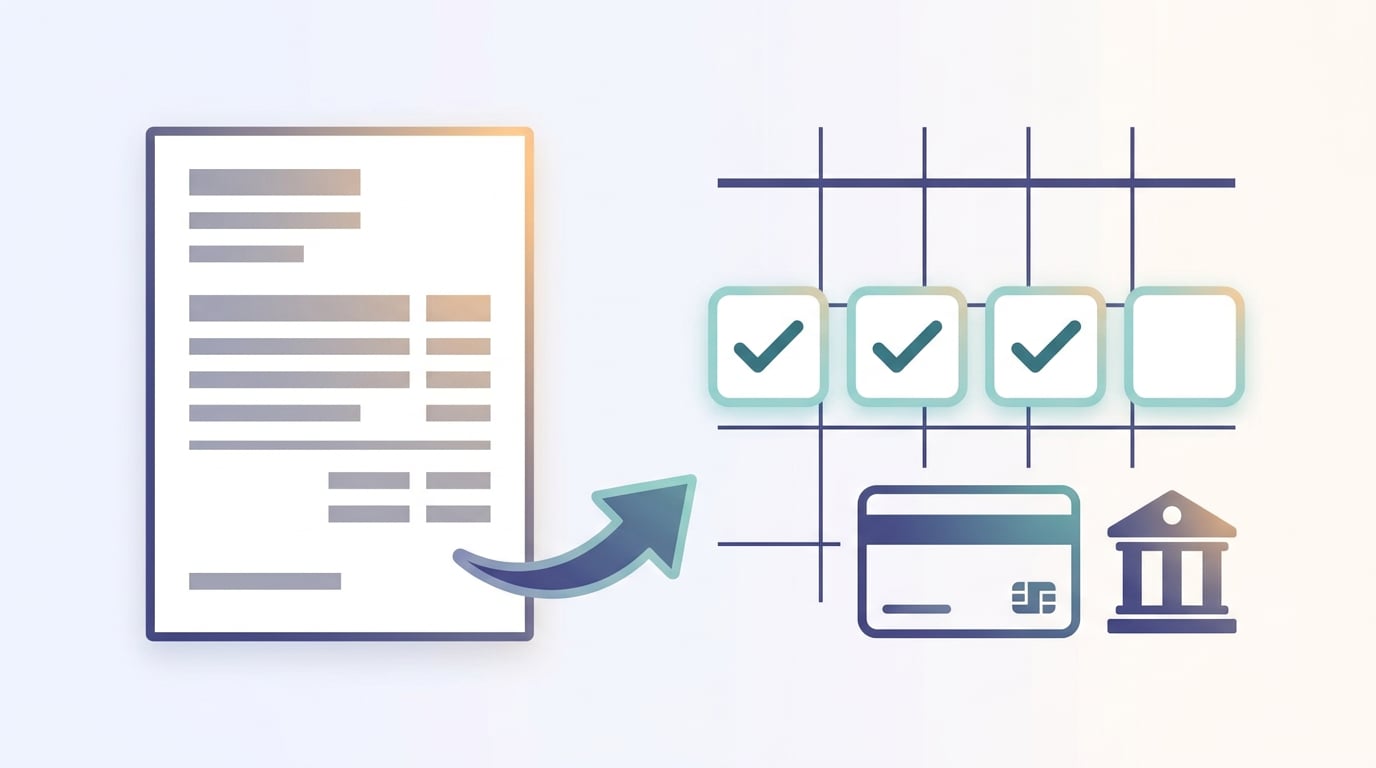
Now each expense has payments: you record what you have paid, with its date and method, and the outstanding balance goes down. You can set an instalment plan by number or by amount, with the first date and frequency, and the list tells you "instalment 3 of 11, paid 541 of 1,990". The payment method is no longer free text: you choose from your accounts and cards, which the ERP retrieves from Treasury, and each supplier can have their usual one. And Treasury, which already matched bank movements with invoices for the exact amount, now also understands partial payments: it recognises an instalment, recognises a small charge from a known supplier and proposes it against the outstanding invoice, and upon acceptance, it records that payment in the ERP and Accounting makes its entry for each one. The statement can come from the bank, in Norma 43 or CSV, or from the spreadsheet exported by the card.
To know what is due, the supplier payments block groups outstanding items by due date: overdue, this week, this month, or later. The due date comes from the PDF, or from the terms agreed with the supplier, or you can set it yourself, even prior to the invoice date, which is what happens when you have paid in advance with a card and the invoice arrives later.
Importing historical data without retyping it
Switching software mid-year has a well-known drawback: the invoices issued up to now live in the previous system. Now you can import your historical data from the PDF sales list exported by your usual program. The ERP reads the list, matches customers with those you already have by NIF or name, shows you the summary, asks for the NIF of those it does not know, and lets you mark which ones are still outstanding. The invoices are imported with their original numbering in a separate series, respecting dates and credit notes, without touching your current numbering and without generating billing records or touching Verifactu, because they are invoices that already existed. In one group company, seventy invoices and three credit notes for an entire year were imported this way, with the taxable base balanced to the cent, in a single afternoon.
And everything can be asked
The copilotAI CopilotAI Assistant integrated into work tools the ERP now sees all of the above. Questions like "what do I need to pay this week and to whom?", "give me this supplier's file with outstanding items", "which September invoices are still unpaid?", "how much have we spent on fees this month?" or "what is our hourly rate for consulting?" are answered using your company's data. Queries are executed instantly; anything that changes data, such as signing up a customer for a service, becomes a proposal with "Apply" and "Discard". It is the same rule as in the NAiOS chat and agents: the AI does the work, you give the go-ahead. If you want the details of why we do it this way, it is in How to turn your SME into a HITL company.
Why this fits in with everything else
None of the above is a new module: it is the same ERP that has already passed the real-world test of Verifactu with the AEAT, with recurring billing and the complete document cycle. Treasury matches the bank, Accounting generates the entries, and the accounting firm logs into the company with its own access and sees the same expenses, with their attached PDFs. All of this was released in a single week, based on real invoices from a group company, and is already available to any company on the platform.
If you record supplier invoices every week, try uploading the next one as a PDF. If the model reads something incorrectly, correct the field and record: the expense that is saved is always the one you have confirmed.