There is a difference between saying "Verifactu compliant" and having verified it. On 22 September 2026, using a real digital certificate from a group company, the NAiOS ERP connected to the test environment of the Spanish tax agency, Agencia Tributaria (AEAT), issued an invoice, and the AEAT accepted it within 33 seconds. It then cancelled it, and the AEAT also accepted the cancellation. This post explains what was tested, what it means for you, how to activate it in three steps, and why all of this fits in with the rest of the NAiOS business modules.
What exactly happened
First, the connection probe: a query to the AEAT web service using the company's certificate. The response arrived in half a second and instantly confirmed four things: that the certificate opens, that the encrypted connection between servers works, that we are talking to the correct server, and that the AEAT recognises the company behind that certificate. This is the check that you previously could only do by issuing an invoice and crossing your fingers.

Then, a simplified invoice for one euro. Upon issuing it, the ERP generated its invoice record with the official hash/fingerprint of the invoice record, chained it as the first record, and submitted it. The AEAT responded "Correct" and returned its secure verification code. That invoice was then cancelled: the cancellation record, chained to the hash/fingerprint of the registration, was also accepted. Envelope, hash/fingerprint, chaining, certificate, and server: everything validated live, not in a simulator.
Why it matters to you
Verifactu is the system with which the Agencia Tributaria wants billing software to generate unalterable records of each invoice and, if the user activates it, send them instantly. sociedades (Spanish limited companies) are obliged from 1 January 2027; autónomos (Spanish self-employed workers) and other business owners, from 1 July 2027. There is still time, but not that much: most programs that boast about Verifactu today have never sent a record to the AEAT. In NAiOS, as of this week, any company can check theirs in five minutes, with no tax implications and without depending on anyone.
How to activate it, in three steps
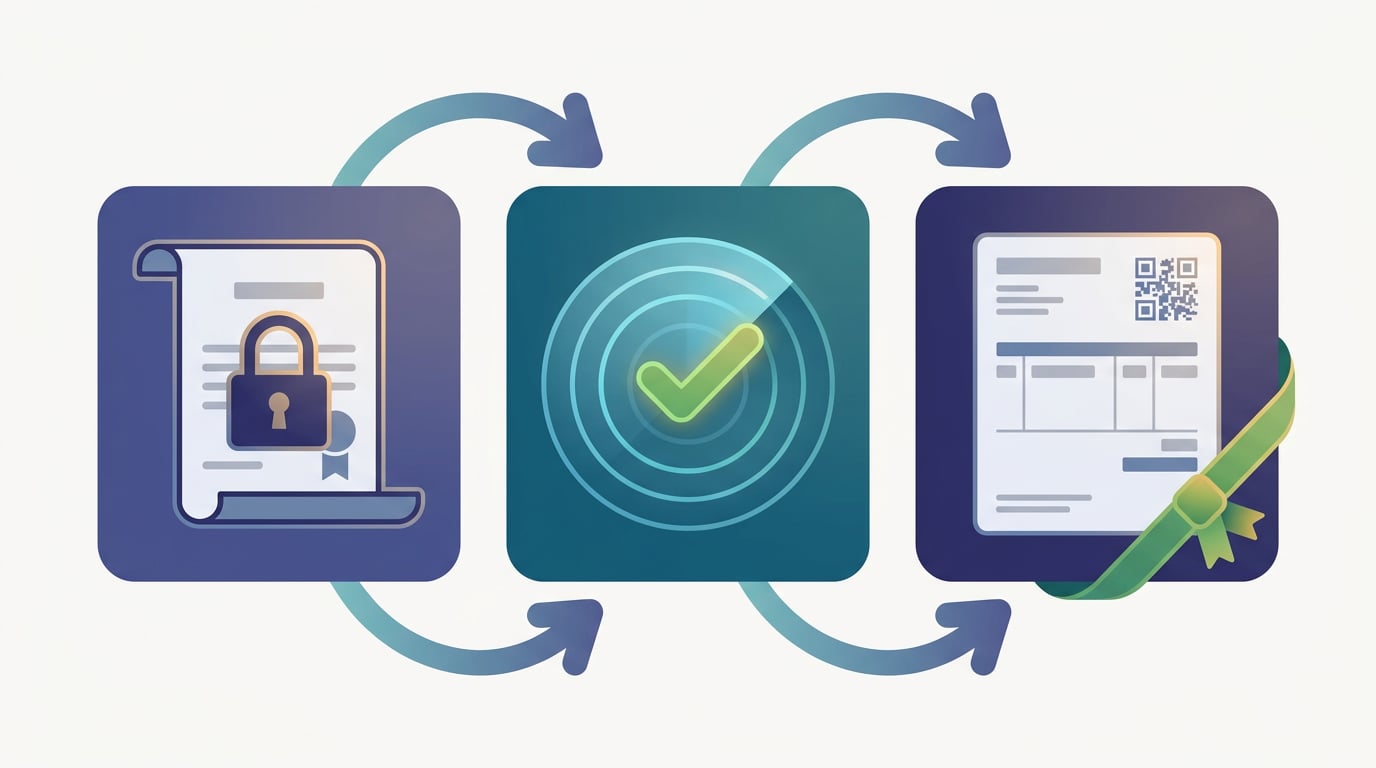
- Upload your digital certificate in My Company. It is the same real certificate you use in the AEAT online office, whether it is a natural person certificate, representative certificate, or seal certificate; there is no such thing as a "test certificate". NAiOS opens it instantly: if the password is wrong or the certificate has expired, it tells you right there, and reads the expiry date, holder, and type directly from the file itself, because each type accesses the AEAT through a different server. The file remains encrypted and never leaves the platform.
- Test the connection with the AEAT. One button, one query to the test environment, one response. If something fails, the message displays the literal reason returned by the Agencia Tributaria.
- Activate test mode and issue an invoice. It goes to the AEAT test environment, which has no tax implications. Once the AEAT accepts it, production mode is unlocked for your company. Before that, production cannot be activated: it is a measured gate, not a checkbox.
A detail you will appreciate: the test invoice is a real invoice in your series, so the module guide suggests issuing a simplified invoice for one euro without a customer and then cancelling it. The AEAT also accepts the cancellation, and your real billing continues with the next number. And if one day you decide to turn off submissions, the certificate and the acceptance are preserved: you can return to test or production mode whenever you want.
The invoice, in plain sight
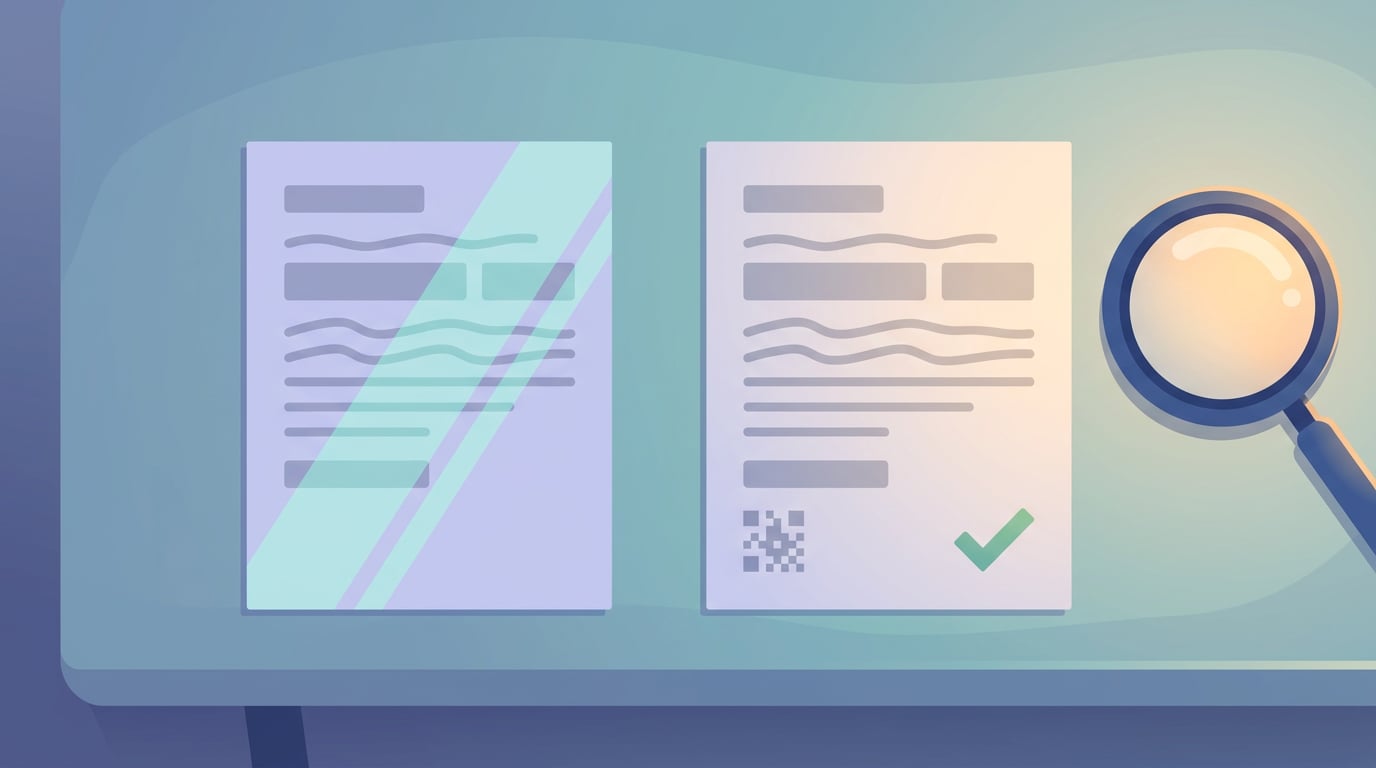
With the same release, the ERP has resolved a request we often received: viewing the PDF before issuing. Any draft now has a preview with a watermark, each row in the list has its own PDF icon, and the document opens inside NAiOS, downloading with a clean file name. On the issued invoice, the verification QR and the Verifactu legend are located just below the totals, right where the customer looks for them.
It is not a module, it is an ecosystem
What makes the NAiOS ERP different is not just that it sends records to the AEAT. It is that it is not alone. The NAiOS business modules share the same company, the same users, and the same data, and they talk to each other without exporting or importing anything:
- The CRM is the customer master: a contact or a company in the CRM is the customer on the invoice, and an issued invoice appears on their file.
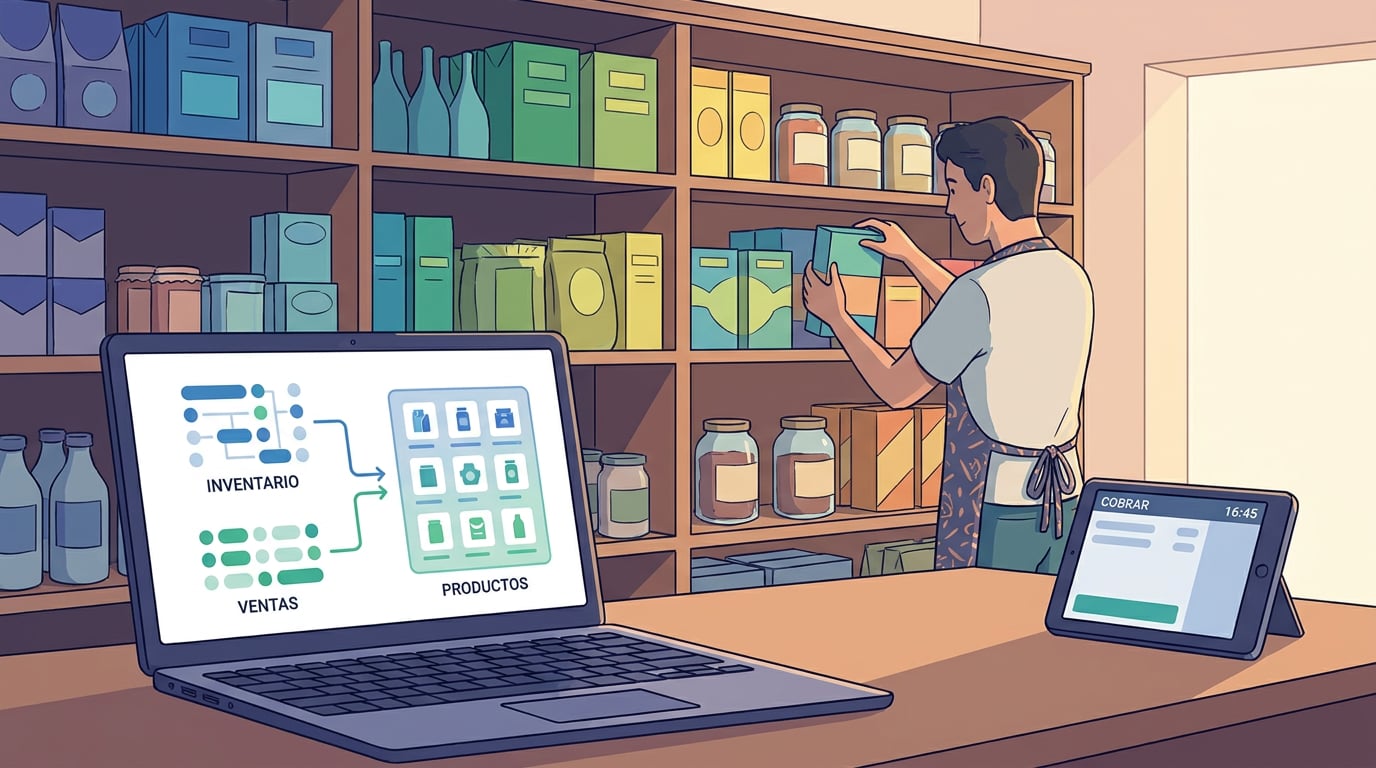
- The POS module sells using the ERP catalogue, with its families and variants, and each receipt is a simplified invoice with its Verifactu record, in its own series.
- The warehouse module deducts stock when invoicing and returns it when cancelling; treasury knows who owes you and what is due; the books and quarterly returns come out ready for the accountant.
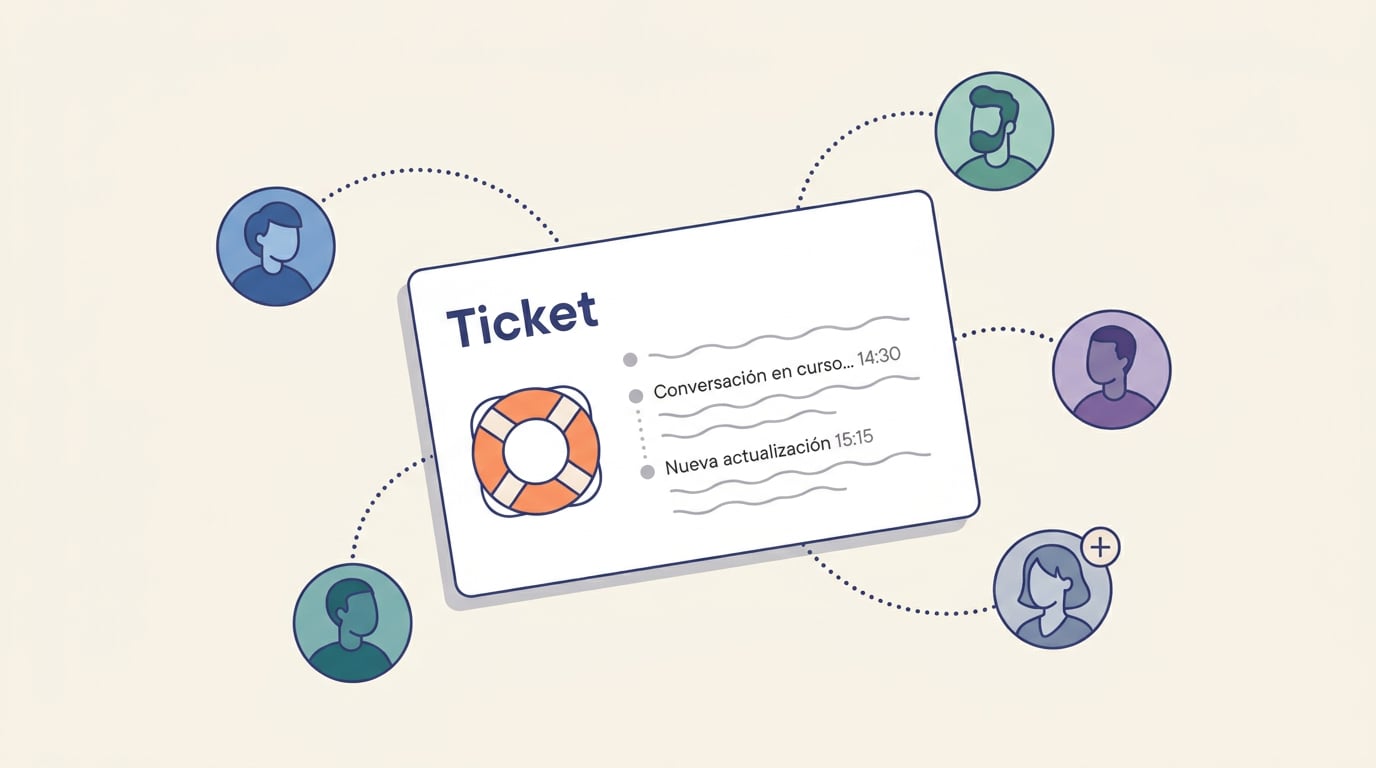
- An email from a customer becomes a Support ticket; a sales campaign starts from a CRM segment; contracted services automatically prepare each month's invoice.

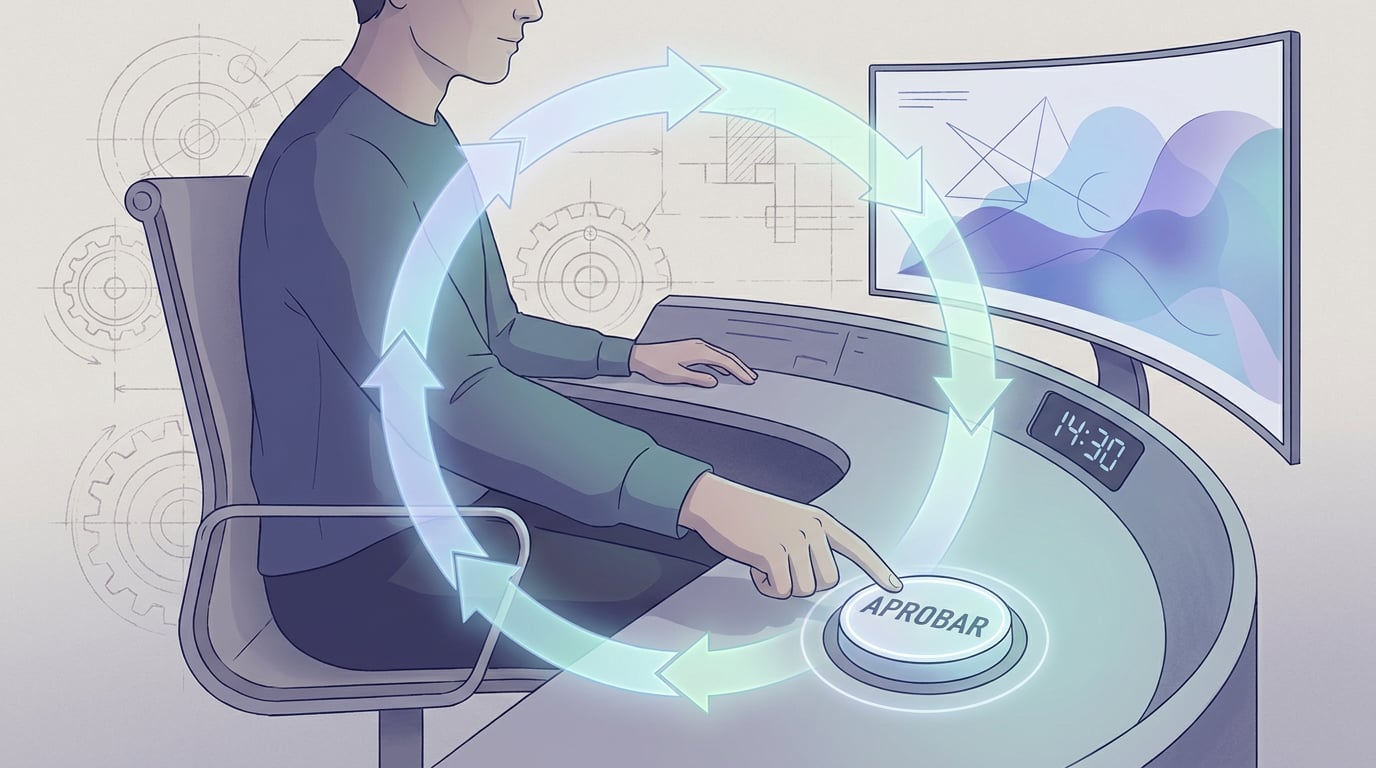
And on top of everything, the chat. "Make a quote for Acme for two days", "how much did we invoice in July?", "who owes me money?": the assistant reads and prepares, and can also convert an accepted quote into an invoice. With a non-negotiable rule: anything with consequences must be approved by you. Issuing an invoice, which is irreversible and can now travel to the AEAT, always requires an on-screen confirmation. The same applies when a programmed agent is acting: it can gather the information, draft the email, and propose the invoice, but the actual issuance awaits your approval. It is the way of working we call HITL, Human-In-The-Loop, and with Verifactu it makes perfect sense: automation goes right up to the doorstep of Hacienda, the Spanish tax authority, and you are the one who crosses it.
What is coming next
The actual submission to the AEAT is set up whenever each company decides: the process is validated and the deadline is in 2027, so there is plenty of time to test things calmly. If you want to see it with your own certificate, the NAiOS ERP guide explains step-by-step how to run the test without messing up your numbering, and the support team is there to guide you from within the platform.