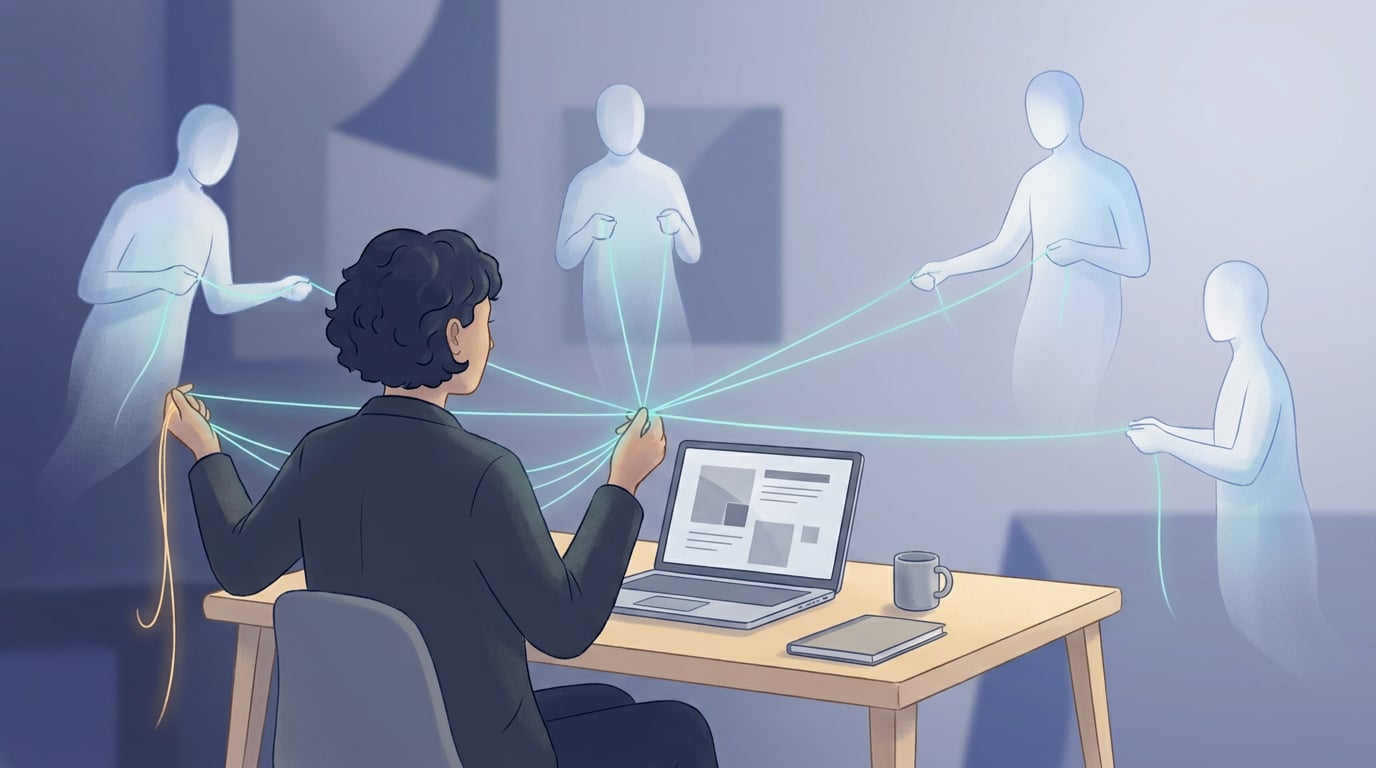
It is 9:14. A client writes on WhatsApp to the manager's mobile because they cannot log into the platform. At the same time, a colleague sends an email to info@ with a screenshot of an error. And in the corridor, someone blurts out, "Hey, when you can, that thing with the invoices is still not working." Three alerts, three places, no status. At 18:00, nobody knows which of the three has been resolved, who is handling it, or what was replied.
That is what most SMEs call support: an inbox, a group, and the memory of two people. In 2026, with AI agentsAI AgentsSystems that execute multi-step tasks without constant supervision entering every process, the first thing a company needs is not more automation. It is a place.
What a support department really is
It is not a ticketing tool. It is an answer to four questions that an inbox cannot answer: how does a request come in? What status is it in? Who is handling it? And, the one almost nobody asks until it hurts: who can see what?
Support, the module that comes included in any NAiOS instance, answers all four from day one, with no payment plan and for all roles. It is used by customer-facing teams, but also by internal IT support, administration, or human resources. Wherever there is someone asking and answering, there is a ticket.
One inbox, four doors
A request can start in four ways and always ends up in the same place, with the same cycle: open, answered, closed.
- From the form, with attachments and people in copy.
- From an email. If the company uses NAiOS Mail, a message from the inbox becomes a ticket with one click, along with its files.
- From a Talk conversation. What started as "is this happening to anyone else?" in the team chat becomes a ticket without copying and pasting anything.
- From the chat with the AI. The assistant can open the ticket for you, always asking for confirmation first.
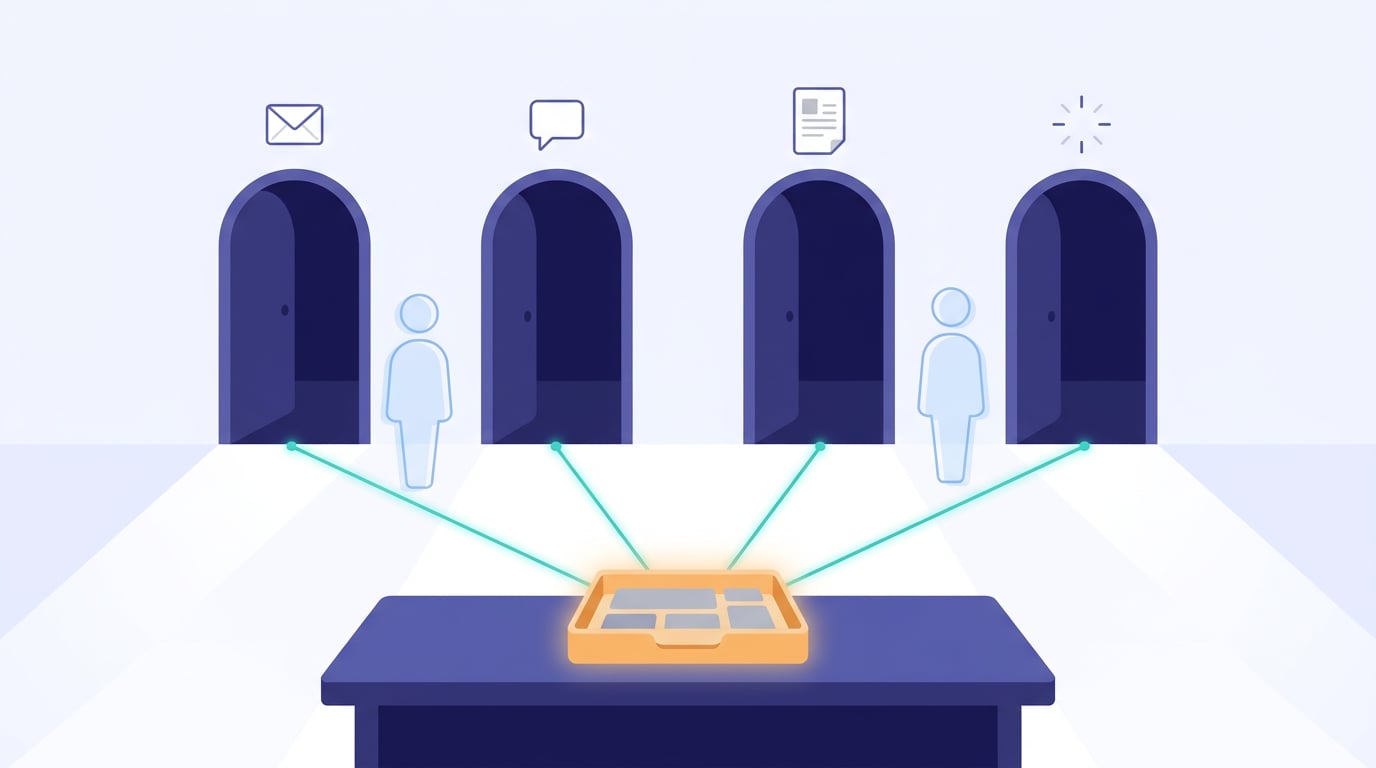
The difference with the inbox is not the entry, it is the exit: every reply from the team reaches the user by email and via the app notification bell, remains in the thread, and changes the status. Nobody has to ask, "was it answered?".
Who sees what, decided beforehand
Here is the part that a messaging group cannot give you. In Support, scopes are not negotiated ticket by ticket: they are predefined.
- Whoever opens the ticket sees their tickets and only theirs.
- Participants, colleagues invited to a specific ticket, see that thread, reply in it, and receive notifications. We explain this in detail in resolving an incident as a team.
- People in copy receive replies by email without needing an account on the platform.
- The support team sees the entire inbox, with filters, assignment, and priorities.
- Internal notes, and the files they contain, never leave the team. Neither via the web, nor by email, nor by download.
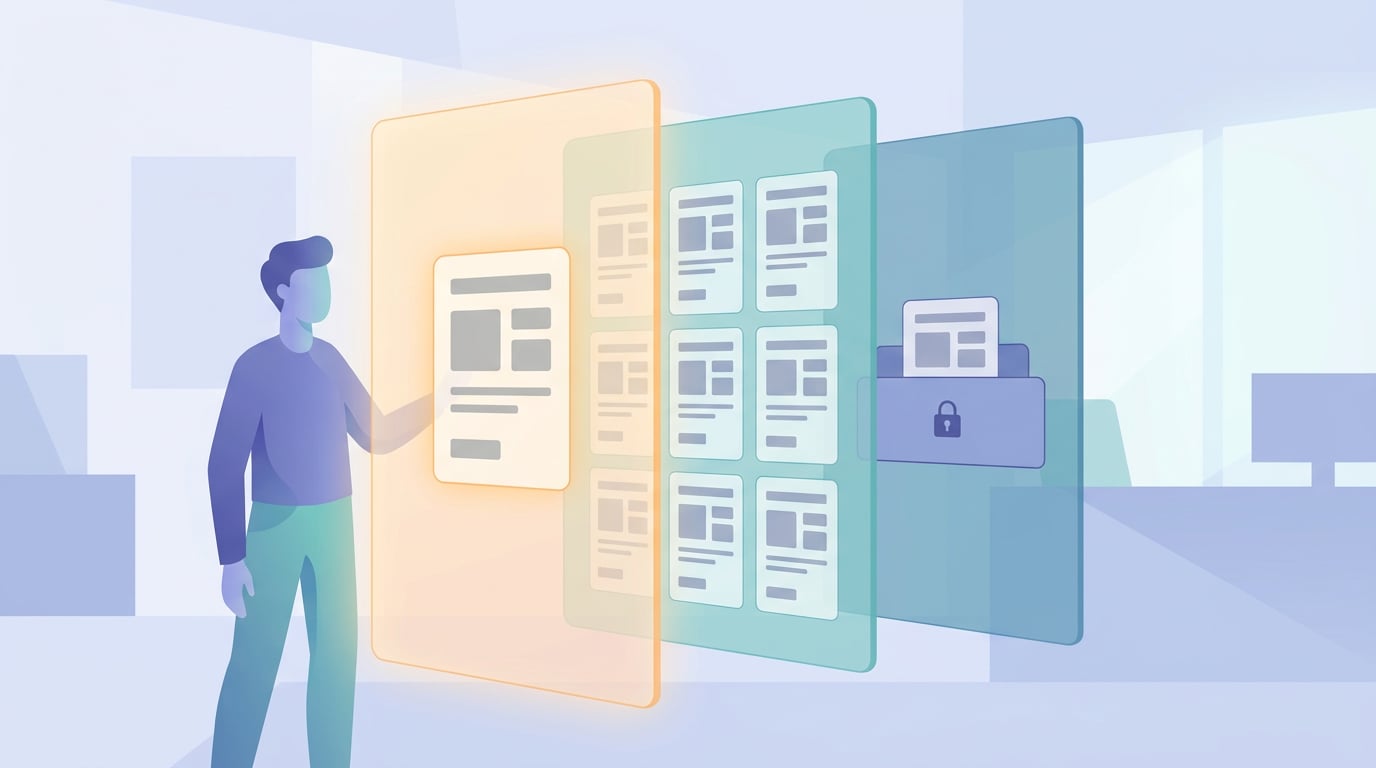
This, which sounds like a technical detail, is what allows you to put support in the hands of the entire team without a screenshot containing client data ending up on the mobile of someone who should not see it.
The team's work, without friction
Within the inbox, everything a small team needs and nothing they do not: assign, change the type between incident, improvement, and question, set the priority by impact and not by the tone of the message, freeze what is waiting on a third party, and close only what is truly resolved. If the user does not reply within fourteen days, the ticket closes automatically and notifies in the thread.
Attachments are viewed within the ticket itself, without downloading anything: screenshots in a gallery, video and audio with their own player, and as of this week, also PDF, Word, Excel, CSV, text, Markdown, and HTML pages in an isolated viewer. A document from a third party never executes anything within your session.
One company, several platforms, a single place to ask
Many companies that work with us have their own NAiOS instance. Their Support is theirs: their team, their tickets, their data. But there are things that this team cannot resolve because they depend on us. That is what the federation is for: what the instance does not resolve goes up to the NAiOS hub with the thread and attachments, the reply comes back to the same ticket, and the user sees a single conversation, even if there are two teams behind it.
The result, from the client's perspective, is simple: a single place to ask, without knowing or needing to know who is on the other side.
AI does the triage. The person decides
Here is where 2026 changes the rules, and where we have taken the most care. When a ticket comes in, an AI triage reads it in full: the thread, the screenshots, and the attached documents. And it leaves the team a note, visible only to the team, with the summary, the affected module, the suggested type and priority and why, similar tickets, the single missing question to be able to act, and, if it has the means, a draft reply.
That "if it has the means" is the house rule. The draft and the hypothesis only exist when they are backed by a real source: an article from the Platform Help or an already resolved ticket. If the model quotes something it was not provided with, the entire suggestion is discarded. We prefer a note saying "no hypothesis with source" to a convincing, made-up answer.
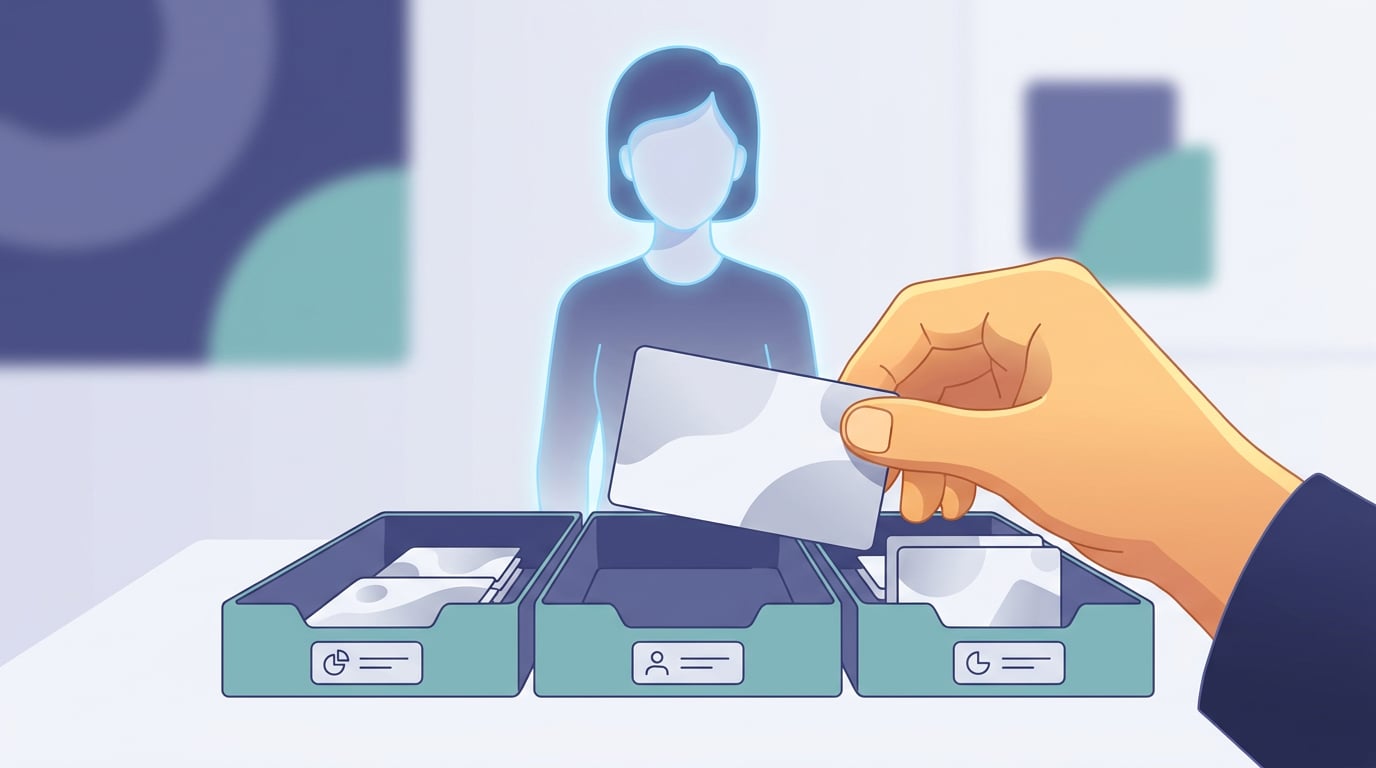
And nothing is applied on its own. The priority, type, assignment, and reply are confirmed by a person with a click, or discarded. It is the same idea we advocate for coding agents and what the EU AI ActAI Act (EU AI Act)Regulation (EU) 2024/1689: the first comprehensive law on artificial intelligence, with obligations based on risk level calls human oversight: AI speeds up the team's work, it does not replace their judgement. A HITL company often starts right here.
What it is not, yet
Just so there are no surprises: Support does not measure response times or manage service level agreements, and it does not have a public portal for clients without an account. The next step, a triage that acts on its own within limits set by the team and with human approvalHuman in the Loop (HITL)A design in which a person reviews or approves the relevant actions of an AI system before they take effect for every action with consequences, is on the roadmap and we will share it when it is live, not before.
Where to start
If your company already has a NAiOS instance, Support is active: enter the module, open a test ticket, and add a colleague as a participant. If it does not, the Support page explains what it includes and how it fits with Mail, Talk, and the rest of the business modules.
An inbox stores messages. A department knows what status each one is in, who is handling it, and who can see it. In 2026, with AI helping to organise, that difference is no longer about company size. It is about decision.