
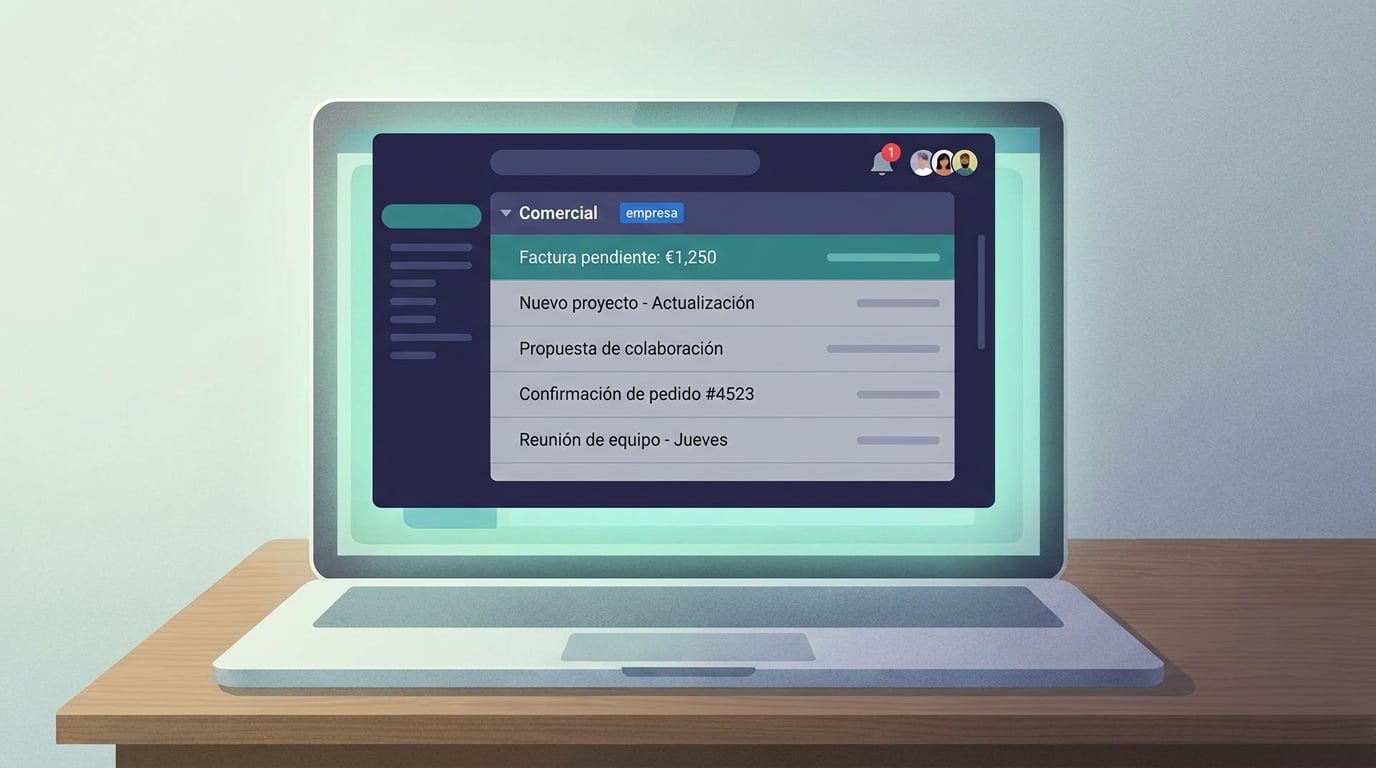
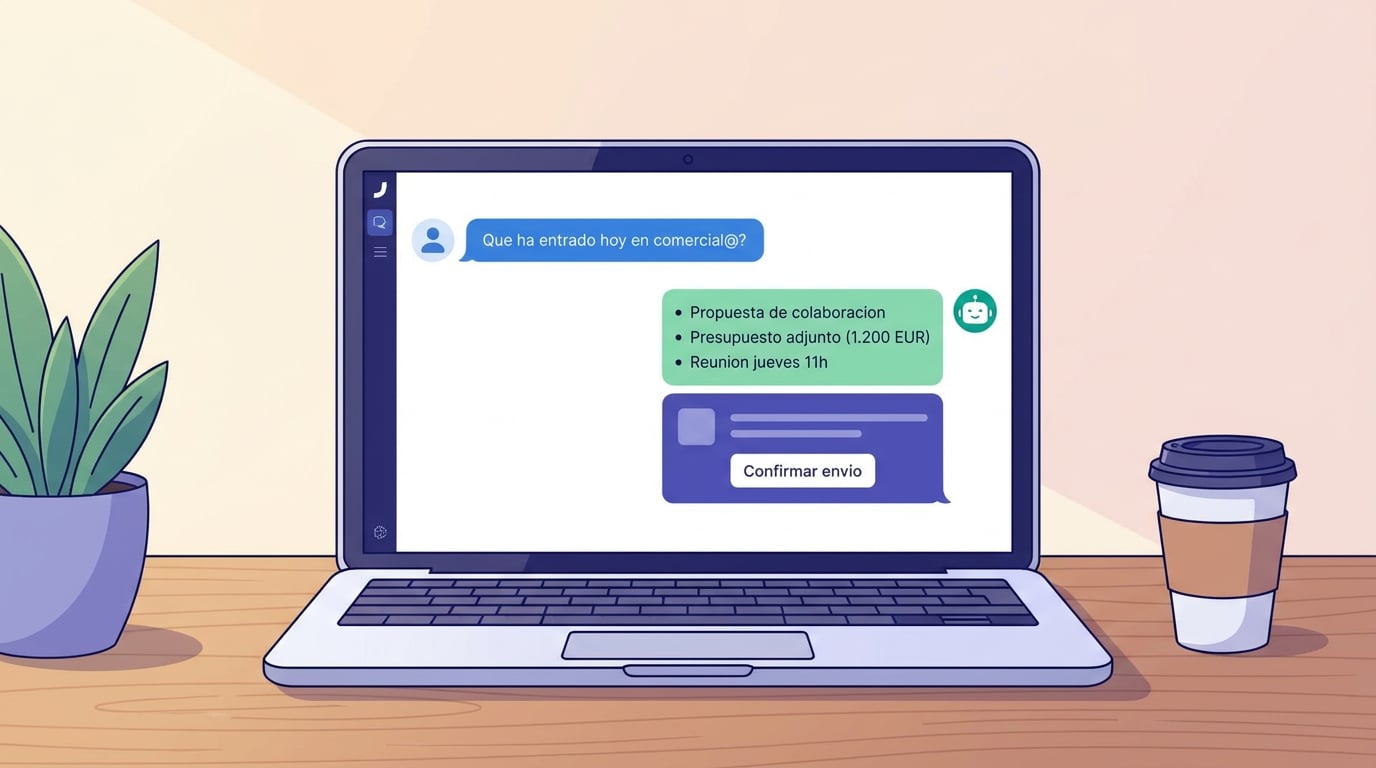
It's 9:02 on a Tuesday. An email arrives at comercial@: a company you wrote to last week is asking if you can show them the platform on Thursday. Three team members see the notification at the same time. One of them opens the NAiOS chat and writes, "summarise the last email from comercial@ and draft a reply proposing Thursday at 11". They read the draft, change a sentence, and confirm. By 9:06, the reply has been sent from comercial@, the thread remains in the inbox for the other two, and the sequence sending a follow-up to that company has stopped automatically. No one has shared a password on WhatsApp. That is a company mailbox in NAiOS Mail.
The same old problem with info@ and comercial@
Almost all small businesses have a comercial@, an info@ or a soporte@. And almost all of them manage it the same way: the password is shared via messages, it's read by a single person who becomes a bottleneck, or it's read by three people without anyone knowing who has replied to what. When that person goes on holiday, the mailbox goes dead. When they leave the company, you have to change the password and let everyone know.
In NAiOS Mail, a mailbox could already be yours. Now it can also belong to the company: one person connects it, everyone who needs to uses it, and each with their own permissions. And because it's a NAiOS mailbox, it inherits everything Mail can do.
Connect for the company, in one minute
In Accounts → Add account, whoever manages a company in Companies sees a new option: "Mailbox of: the company". Any provider with IMAP and SMTP works, whether it's Gmail, Outlook, IONOS or your own domain's email. Credentials are saved encrypted and are only visible to the person who entered them; the rest of the team just sees the card with the label "company · Name" and nothing else. If that person leaves, whoever manages the company changes the credentials and the team won't even notice.
Each with their own permissions, without touching the mailbox
Access is decided by the company, not the mailbox. In Companies → Members, each person's profile defines what they can do with the email: with Management they read, reply and send as that mailbox; with Read-only they only read; editing the account, changing the signature or disconnecting it is reserved for the administrator. It's the same permission matrix already used by the CRM, the ERP and the rest of the modules, so registering someone new in the company opens up the mailbox for them with no extra steps, and offboarding them closes it.
What a company mailbox inherits from Mail
Here is the difference from "sharing the webmail password". The shared mailbox isn't just another inbox: it's a NAiOS Mail account, and everything Mail does with your email, it also does with comercial@.
A complete inbox. Read with the sender's HTML beautifully rendered, compose with formatting, CC and BCC, attachments, drafts, folders and forwards. Recipients autocomplete based on what the mailbox itself has learned over time, with a photo or monogram to recognise them at a glance.
AI analysis that actually reads. "What is this email asking for?" takes into account the entire thread and attachments: the quote PDF, the data sheet, the photo of the breakdown. If needed, it suggests expanding with a web search, and you decide whether to run it.
Management from the chat and from agents. Read, search, summarise, reply, send and forward using natural language, without opening the inbox. An agent can monitor comercial@ and prepare a summary of what has come in every morning. And a non-negotiable rule: replying, sending or forwarding always requires your confirmation, even when suggested by an agent.
Notifications for what matters. Every new email in the company mailbox notifies everyone who shares it, once per email, with an AI relevance filter that separates a client's proposal from a supplier's newsletter.
Your knowledge, in the knowledge base. An important thread is saved to the Knowledge Base with a single click, and from then on, it can be searched alongside the rest of your documentation: "what did we promise this company in July?" answers itself.
Drafts arriving from other modules. The CRM, ERP or Campañas leave a prepared email in the mailbox, with the invoice or proposal attached, so someone on the team can review and send it from comercial@.
Prospecting from the sales mailbox
It's the reason we built it. When a team does prospecting with Campañas, the immediate question is which email the sequences are sent from. If each sales rep sends from their own, replies get scattered, domain reputation depends on three different mailboxes, and no one sees the big picture. With a company mailbox, in a CRM space linked to the company, sequences are sent by default from comercial@, and when someone replies, the notification goes to everyone sharing the mailbox. Whoever is free replies, from the same mailbox, and the conversation stays where everyone can see it.
A specific sequence can still be sent from a personal account if selected manually. Anyone with read-only access to the mailbox cannot use it to send: Campañas won't offer it to them. And the hourly and daily limits still belong to the mailbox, so three people won't triple the sending rate.
Contact's company variables
Along the way, Campañas templates gained something B2B teams were asking for: custom fields for the contact's company, not just the contact. If you imported a list of companies with their region, services or a custom intro paragraph written for each one, any contact from that company can use it in their email via a variable. And contact segments can filter by those same fields: "contacts from companies in Madrid that offer artificial intelligence" is just two conditions.
Three ways to use it
A consultancy doing prospecting. Five people, comercial@ connected as a company mailbox. Two sales reps with Management permissions, the rest read-only. They import a list of companies into the CRM, save segments by region and service, and launch the first sequence from comercial@ with the copy they already had for each company. Each reply notifies both reps; whoever is free replies; management sees the funnel without having to log into anyone's mailbox.
A garage with info@. Customers email photos of the damage and the insurance quote. The mailbox belongs to the company: reception reads it, the workshop manager asks the chat, "what's wrong with the car in this morning's email?" and the AI explains it based on the photos and the PDF. The reply with the appointment is sent from info@, and the thread is saved to the customer's profile in the CRM.
A firm with soporte@. Every customer query comes in through soporte@ and is seen by the whole team. Whoever picks it up replies from the same mailbox, archives it in that customer's knowledge folder and, if necessary, creates a task with "send this to tasks for Thursday". When the customer writes back three months later, the chat remembers what they were told.
Phrases you can ask the chat
- "What has come in today at comercial@ that deserves a reply?"
- "Summarise the thread with this company and tell me what was left pending."
- "Reply from comercial@ proposing Thursday at 11." The chat drafts it; you confirm.
- "Forward the quote from yesterday's email to the workshop manager."
- "Save this thread to the customer's knowledge base."
- "How are the replies to the Madrid sequence going?"
What doesn't change
- Personal accounts remain personal. None of this touches them.
- The person who connected the mailbox remains its owner: they can disconnect it or change the credentials.
- Nothing is sent without a person behind it: neither the chat, an agent, nor a sequence will send without confirmation or approval.
- What each person reads or leaves unread is their own: opening an email doesn't mark it as read for others.
Getting started takes five minutes
Connect comercial@ or info@ as a company mailbox, assign profiles in Companies → Members and turn on notifications. With that, the team is already reading, replying and sending from the same place. If you also want to do prospecting, the next step is a CRM space linked to the company and a sequence from comercial@. And if you prefer to ask before touching anything, the chat has the answer: "what can I do with a company mailbox?".