Writing to a prospect is still the most direct way to sell. The problem was never writing: it was doing it at scale without turning into spam, without losing the thread when someone replies, and without getting into legal trouble by emailing the wrong person. NAiOS Campañas was created to solve exactly that. It is a module with two sides that share the same rule: nothing goes out without your consent and that of the recipient. It is available today on all plans.
Two sides, one engine
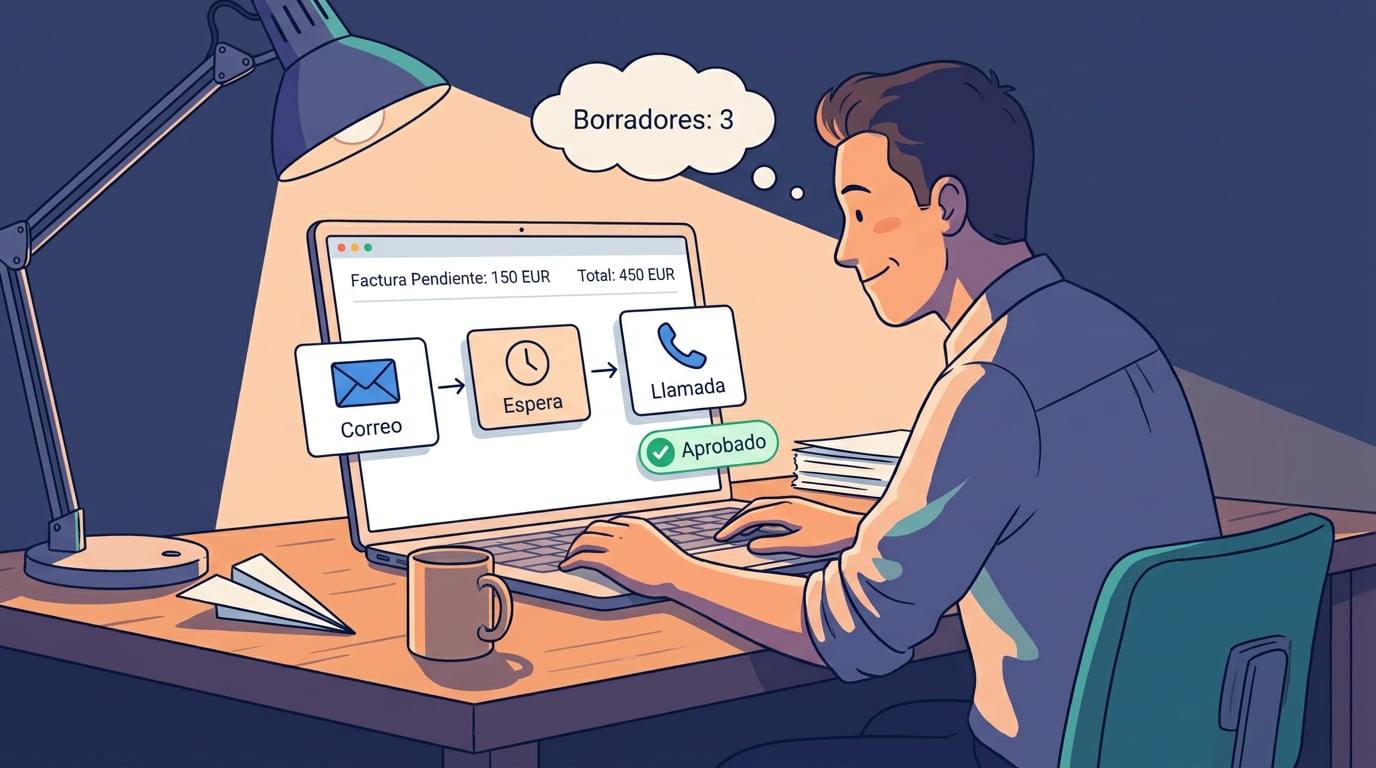
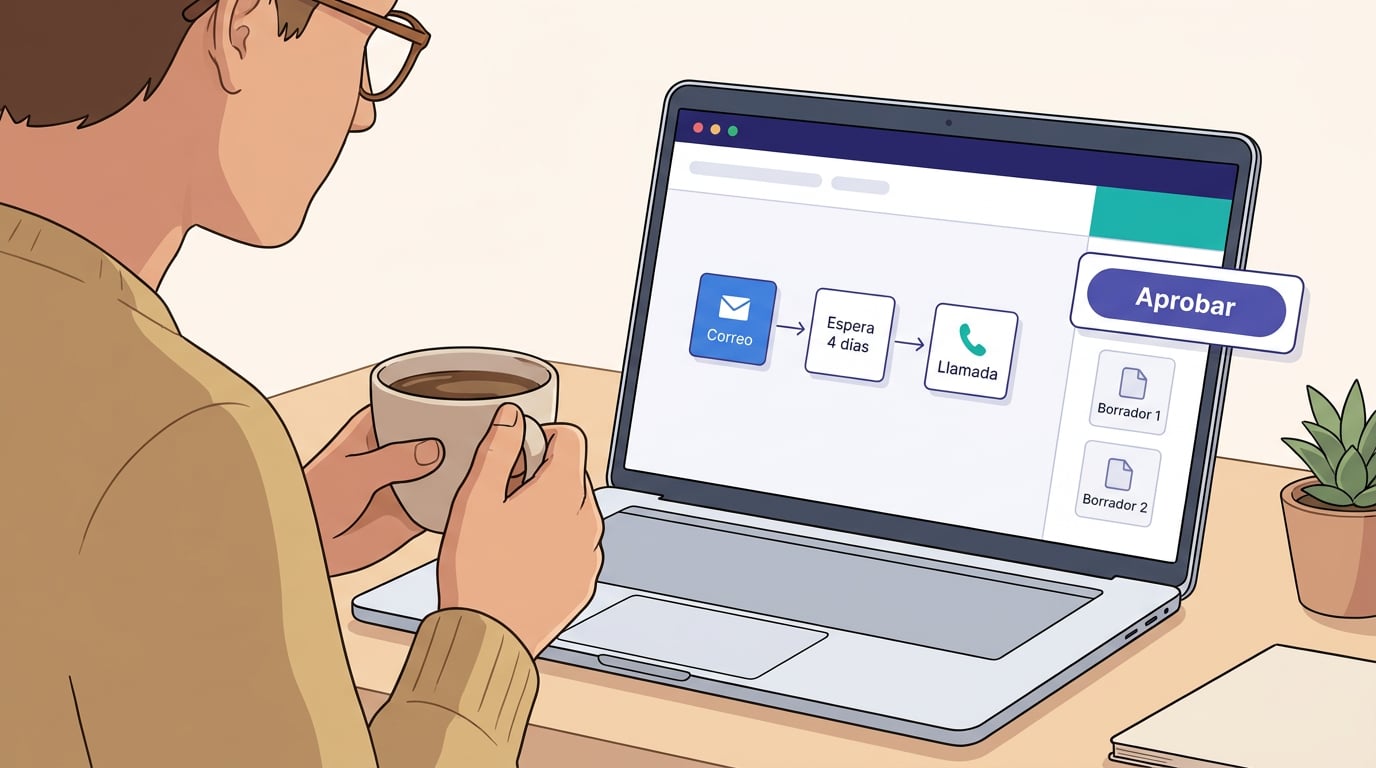
The first side is sequences: one-to-one emails, sent from your own NAiOS Mail inbox, to contacts in a segment of your CRM. A first email, a wait of a few days, a second email if they haven't replied, a call as a task. Each message starts as a draft and only goes out when you approve it, either one by one or in batches. As soon as someone replies, their sequence stops automatically, the reply is added to their record, and the contact becomes a lead.
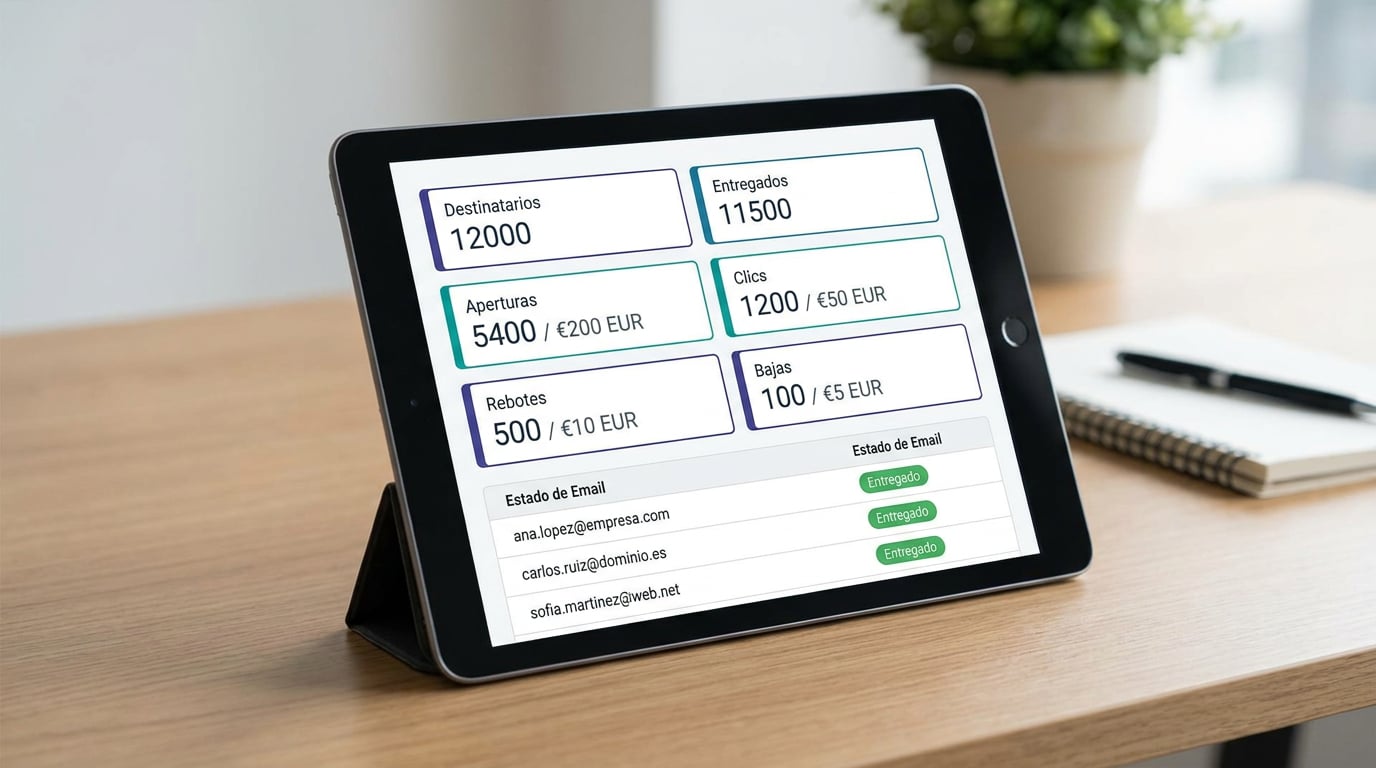
The second side is campaigns: bulk mailings to lists where you have declared consent, using branded block templates, sent via your own mail server or through Brevo or Resend, with metrics for deliveries, opens, clicks, bounces, complaints, and unsubscribes.
What they share is what matters: the workspace's suppression list. Anyone who unsubscribes, bounces or complains is added to it, and no email from either side can bypass it. It cannot be cleared from the interface. Neither the AI, a chat tool, nor an agent can do it.
You declare the consent, and the system respects it
Campañas doesn't guess who you can write to. It is decided by what you have declared in the CRM for each contact, with four possible bases: express consent, customer, one-to-one professional contact, and none. The first two allow both sequences and campaigns; the third, only sequences; the fourth, nothing. "Do not contact" overrides any other basis. The platform records who declared it, when, and where it came from, so you can prove it.
This means that a list of companies you have compiled for professional prospecting can receive your personal, one-to-one emails with your signature, but never a bulk newsletter. And your newsletter will only reach those who signed up or are already customers. The distinction set by law is built right into the product.
A human pace, even if driven by a machine
Sequences are sent with hourly and daily limits per email account, within a working schedule you choose, with a delay of seconds between sends, and a two-week warm-up period when you start a new account: during the first few days, only a few emails are sent, and the limit increases gradually. Your domain and reputation are yours; the module looks after them just as someone writing by hand would.
Bulk campaigns, on the other hand, won't start without a verified transport. With Brevo or Resend, you must click "Test"; with your own server, the sender's domain needs published SPF and DMARC records. Without a verified domain, there is no bulk sending, period.
One-click unsubscribe, on all emails
Every email sent from Campañas includes an unsubscribe link and the standard header that email clients understand. Anyone who clicks it doesn't need to log in or confirm anything else: they are added to the workspace's suppression list and marked as "do not contact" in the CRM. In campaigns, the footer with your registered company details is always added, even if you forget to include it.
A copilot that writes, but doesn't send
If you enable it, the AI drafts each sequence email based on your instructions, with a tailored first line by reading the company's website, and using the brand voice you specify from your Knowledge. You review it, change it if you like, and approve it. In campaigns, you can test two subject lines and let the one with the highest open rate win. And from the chat or an agent, you can ask for a weekly summary: how many emails, how many replies, and how many drafts are waiting.
How to get started
- Connect your account in NAiOS Mail if you haven't already.
- In the CRM, import or create your contacts, declaring their consent basis, and save a segment.
- In Campañas, create a sequence, enrol the segment, and approve the first drafts.
- For bulk mailings, create a consented list, configure the transport, and click "Test" before sending.
Campañas relies on the CRM and NAiOS Mail, and works seamlessly with Forms (double opt-in), NAiOS Office (exporting results), Tasks (calls as tasks), and Agents (the weekly summary). If you have any doubts about what you can send and to whom, in the coming days we will publish a guide on consent bases in B2B prospecting. And if you want to see it working with your own data, get in touch with us.