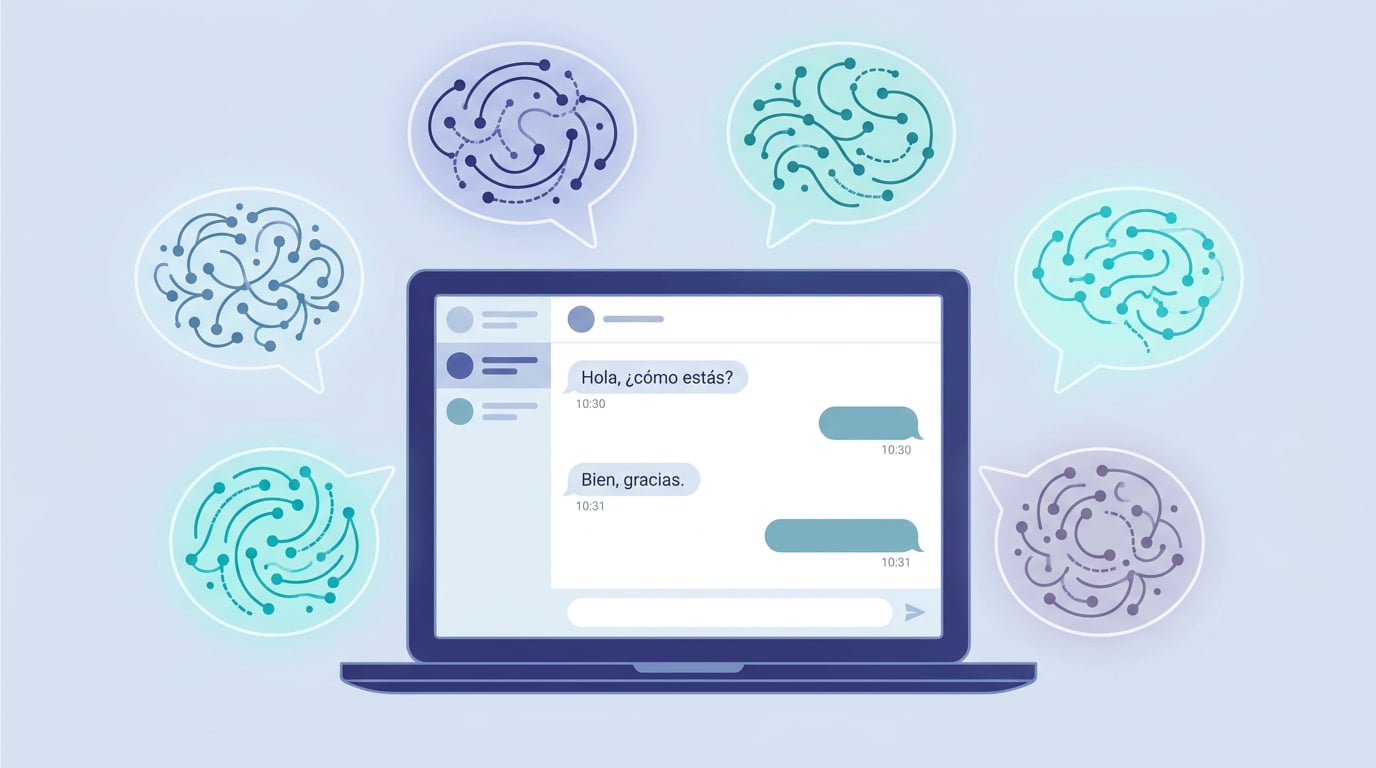
Two weeks ago, NAiOS only spoke Spanish. Today, the entire platform is available in six languages: Spanish, English, French, Portuguese, Catalan and, as of this weekend, German. This is not just a translation of the homepage: it includes all 68 modules, the chat, the emails sent by the platform and the error messages – over 23,000 texts per language. This post explains what has been translated, how to change it and the decisions we made along the way.
The six languages
Spanish remains the base language: all text starts in Spanish and is translated from there. English arrived first, followed in order by French (France), Portuguese (Portugal), Central Catalan and German. Each language is treated individually: in French and German, the platform uses formal address («vous», «Sie»); in Catalan and Portuguese, it uses the informal form. Dates, numbers and amounts are displayed in each language's native format, not just Spanish in disguise.
If a text does not yet exist in your language, the platform does not go blank: French and German fall back to English, and all of them fall back to Spanish. This way, you will never see an internal key or a blank space.
How to change it
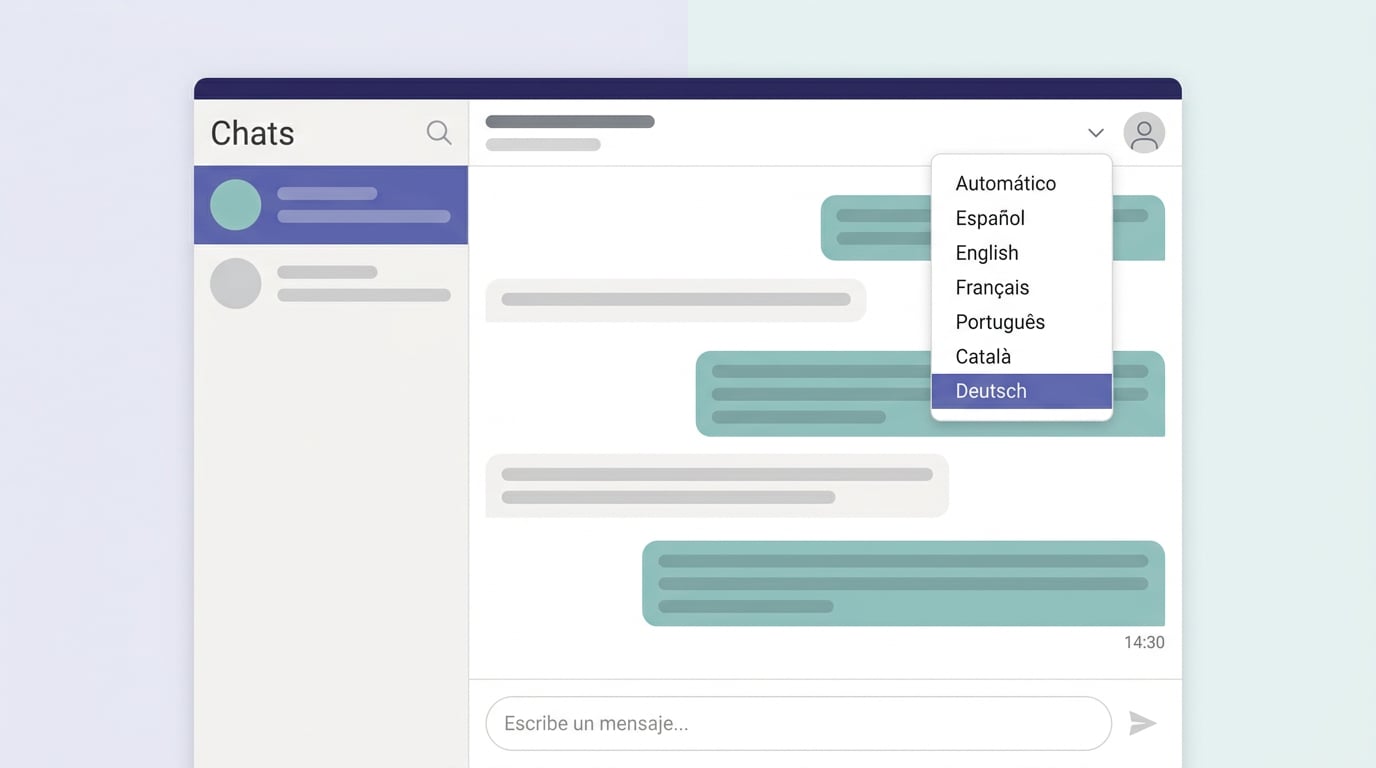
- In Profile → Language, using the "Automatic" option to let the platform's language take precedence.
- In the chat's ⋯ menu, without leaving the conversation.
- On the login page, before signing in, using the language selector.
- Platform administrators can choose the default language for everyone in Customisation.
What is translated and what is not
The entire interface is translated: the chat, the modules, the admin panels, notifications, emails sent to you by the platform and error messages, which now arrive with a stable code and the text in your language. The chat assistant replies in the language you write to it in, and the module assistants use your chosen language.
For now, three things remain in Spanish: the guides and audio guides for each module, Spanish tax documents (Verifactu, the ledgers and AEAT forms speak the tax agency's language) and the content that each company creates on its own platform. If any module only made sense in Spanish, it would be marked with the label "Spanish only"; currently, there are none.
How to translate 23,000 texts without losing the thread
Each module has its own text catalogue, using keys rather than isolated phrases, and an AI translator translates them into each language using a glossary of non-translatable names, a vocabulary list per language (no Brazilian Portuguese, no «du» in German) and a cache to avoid re-translating what has already been reviewed. Afterwards, an automated sweep looks for missing batches, texts left in Spanish or labels that are too long for the buttons they belong to. And a test gatekeeper prevents hardcoded Spanish from creeping back into a migrated screen.
German has given us the most food for thought: its words are long, and many interface labels only have room for twelve characters. That is why short forms are explicitly requested, and there is a layout overflow review, lane by lane. If you spot a truncated word or an odd phrasing, the Support module is the way to go: it will be corrected manually and protected from the translator's next run.
Also on naios.net
The website follows suit: the blog, the module catalogue and the wiki are available in German and French, in addition to the languages they already had, using the same language paths you were already using. And every platform deployed by NAiOS, whether our own or a client's, receives all six languages at once: the translation travels with the software, not with the installation.
What does not change
- Your data, documents and conversations are not translated: they are yours and remain in the language you wrote them in.
- Spanish remains the reference language: when new text appears, it exists in Spanish first.
- Nothing is activated automatically. If you do not change the language, you will continue to see the platform exactly as before.
Choose your language in Profile → Language and let us know what you think. All six will keep improving with every correction we receive.