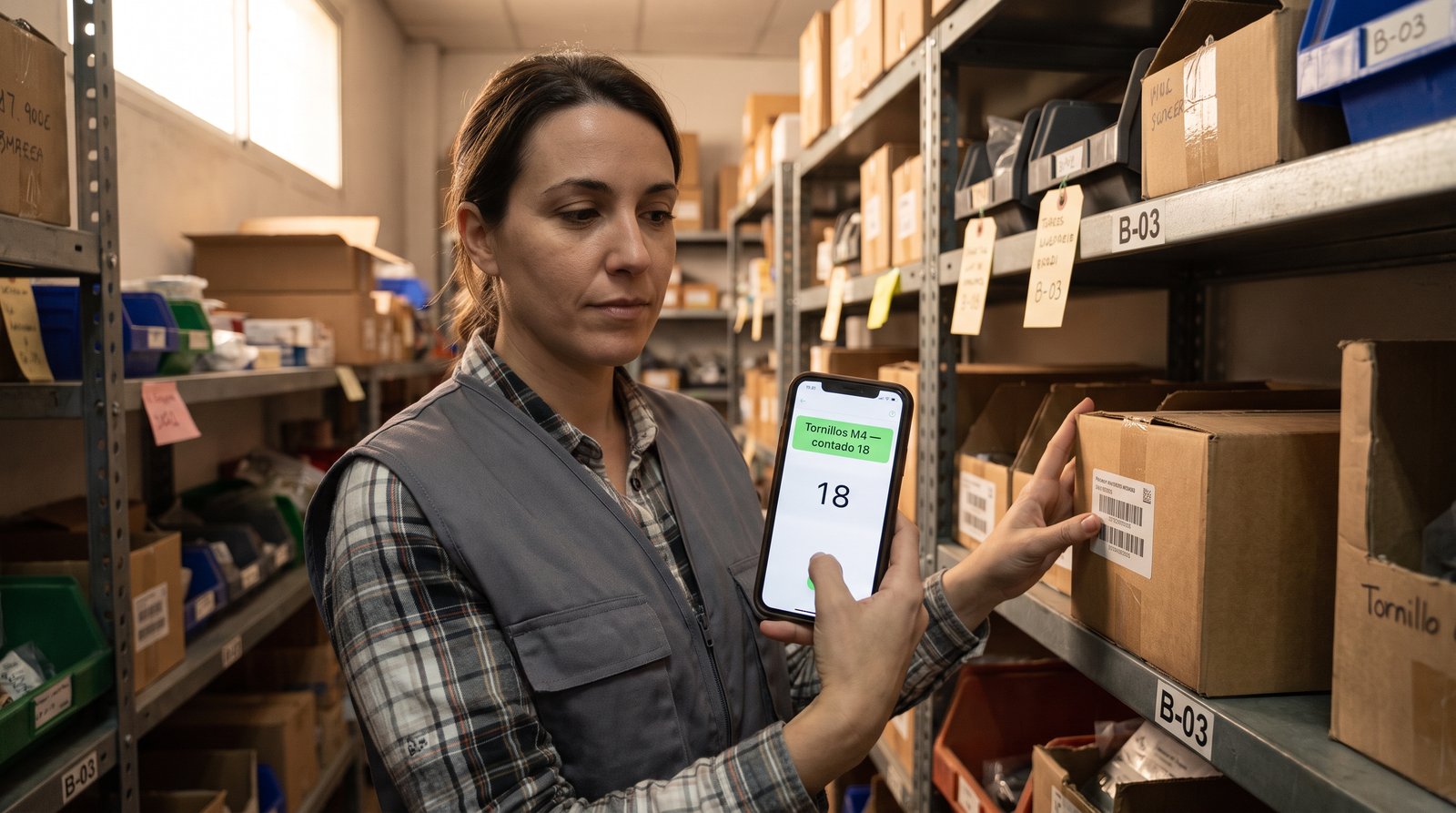
Between the spreadsheet nobody updates and warehouse management systems that cost more than the warehouse itself, there is a huge gap. That is where most small businesses live: a shop with a back room, a workshop with a van, a bakery with a cold room. They roughly know what they have — until a customer asks for something that "should be there" and is not.
NAiOS Almacén SGA (Warehouse) is the new inventory module of the NAiOS business suite, and it is built on an unusual idea: it is not a separate stock program, it is the warehouse layer built on top of the movements ledger your ERP already keeps. Every sale from the ERP or the till, every goods receipt, every adjustment and every stock count is a movement in the same ledger. Stock is never a number someone typed: it is the sum of everything that happened.
A single truth: the movements ledger
The underlying decision is the same one that made NAiOS ERP with VeriFactu solid: a record where things are written down and never crossed out. Each product's stock is the sum of its movements — sales subtract, receipts add, adjustments carry a reason, transfers leave one warehouse and enter another. If something does not add up, the ledger tells you who, when and why.
And since the ledger already existed, there is nothing to migrate: the Main warehouse is created on its own, with all your historical stock already inside. You create more warehouses when you need them — the shop, the storeroom, the van — and from then on every movement knows where it came from and where it went.
Receipts with cost, adjustments with a reason, paired transfers
Day-to-day operations are three gestures:
- Goods receipt: stock arrives, you pick the warehouse and supplier, and each line carries quantity and unit cost. Cost is optional — but it is what feeds the valuation, so add it when you know it.
- Adjustment: correcting reality requires a reason. Breakage, shrinkage, a counting error — who adjusted, how much and why is recorded. No reason, no adjustment.
- Transfer: moving stock between warehouses is two tied movements: out of one, into the other. The product total never changes.
The stock count: truth is counted, not assumed
The classic inventory, turned into a task with a closing report. You open a count for a warehouse — full, or cycle counting scoped by a search ("fasteners only") — the system freezes the expected quantities, and reality is counted line by line. On close, the differences enter the ledger as count movements and a report remains: who counted, when, what was off and what was left uncounted. A closed count is history: it never reopens — you open another one.
The detail that shows this was thought through: if something was sold while you were counting, that sale is already in the ledger and the close takes it into account. Counted reality wins. And the opening inventory of a new warehouse is not a special case: it is just another count, with everything expected at zero.
What your stock is worth, without lies
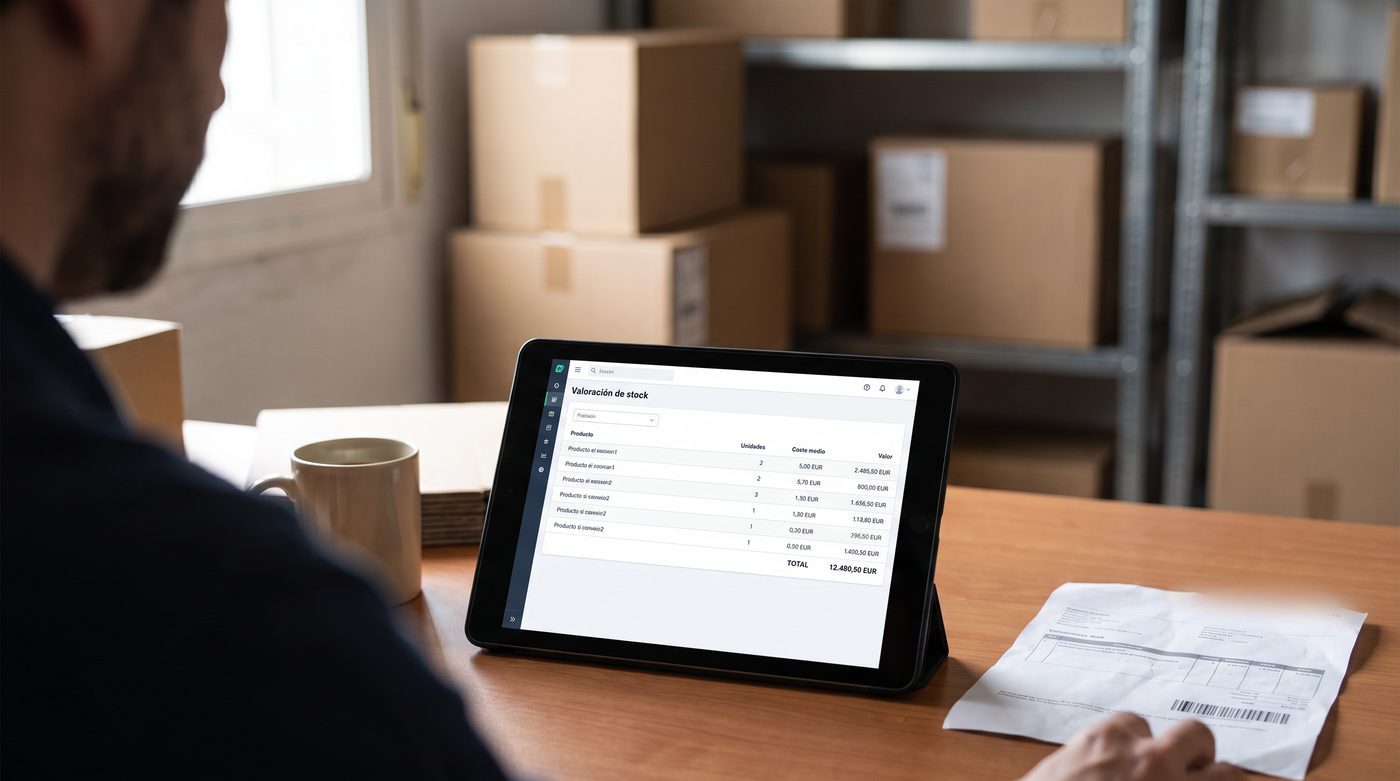
Using the costs from your receipts, the module computes the weighted average cost valuation of your entire stock. And there is a red line of honesty here: units with no known cost are reported separately — they are never valued at zero just to make the total look nice. The report exports to a NAiOS Office spreadsheet with its total row, or to CSV for your accountant.
Exactly where: locations, batches and expiry dates
When the warehouse grows, "it is in the back room" stops being enough. Locations (aisle, shelf, bin: "B-03-2") say where to find each thing, and receipt lines can carry a batch and expiry date — essential in food and hospitality. A watcher raises a NAiOS notification when a batch enters the expiry window, and the "Expiring" button lists everything about to expire, with its batch and warehouse.
The till deducts from its own warehouse
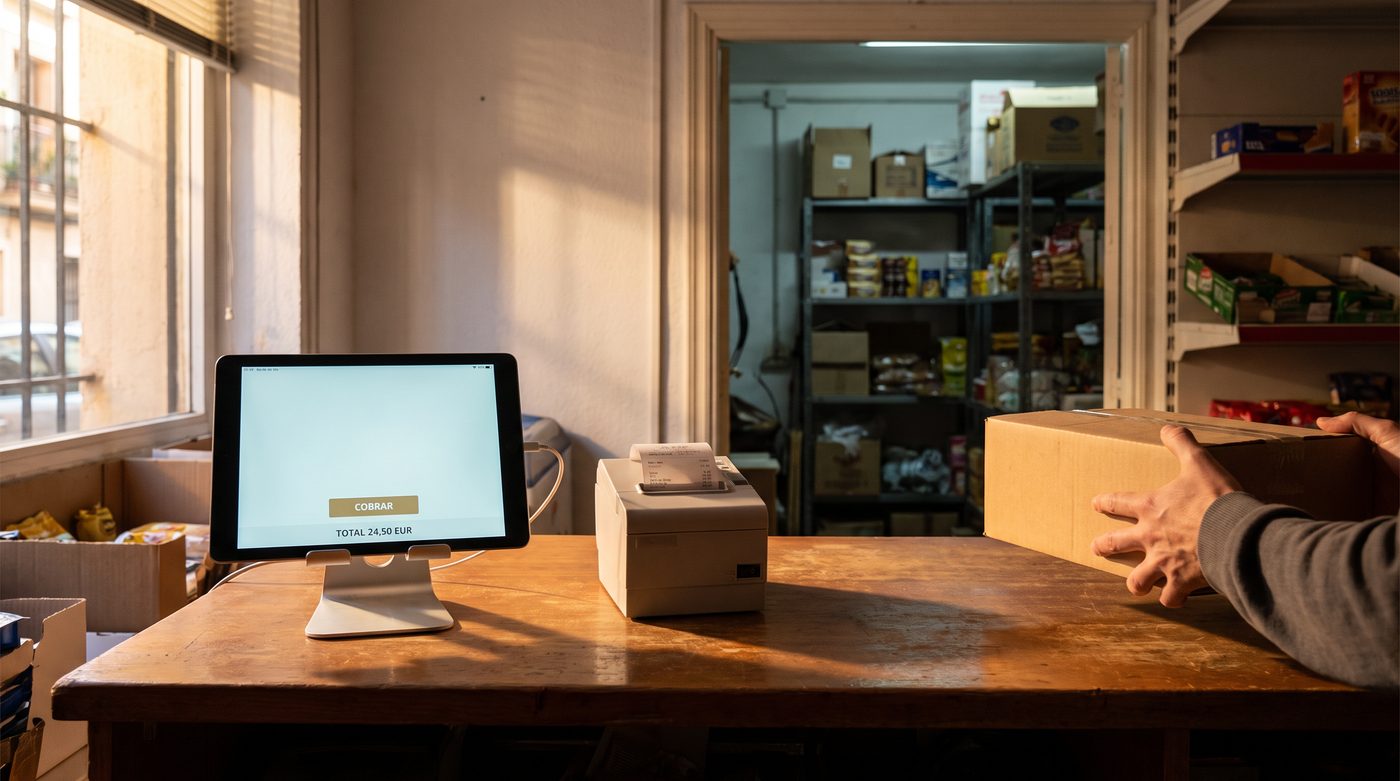
If you use NAiOS POS, each register can be assigned to a warehouse: the shop sells from the shop, the market stall sells from the van. The sale deducts from the register's warehouse and — a detail many big systems get wrong — a voided sale restocks the same warehouse it came from, not the central one.
The warehouse worker and their phone: a WMS without RF guns
Here is the leap that gives the module its name. Traditional warehouse systems demand radio-frequency guns, dedicated terminals and months of rollout. NAiOS uses what is already in your pocket:
- You assign a count to a member of your company from the task view. They get the notification bell and, with the NAiOS app installed on their phone, a push notification that opens the worker mode directly.
- Assignment grants ability: even if that person only has read permission, they can count and close that task — and only that one. No overhanded permissions.
- Worker mode is a mobile view built for busy hands: their tasks, a large numeric keypad and the camera scanner: point at the barcode and it jumps to the product's line. The EAN goes on the product record in the ERP catalog; without an EAN it matches by SKU; and the keypad is always there.
Honesty built in: the camera scanner works today on Android with Chrome. On iPhone, Safari does not allow it yet — keypad or SKU, and the screen says so plainly instead of pretending.
Ask the copilot
Like every module in the suite, Warehouse exposes its data to the NAiOS chat and agents — read-only, because moving stock via chat is a bad idea and we do not allow it:
- "How much M4 screw stock is left, and in which warehouse?"
- "Which products are below minimum?"
- "What is the stock worth right now?"
Three ways to use it
The hardware store with a back room
Shop front and rear storeroom. Each till register deducts from the shop; when a shelf runs low, a transfer from the back. Saturday morning cycle counting — "fasteners only" — keeps the truth without closing the shop for a full day. Below-minimum alerts fire before the basics run out.
The bakery that cannot gamble with dates
Flour and dairy enter with batch and expiry on every receipt. The watcher warns fifteen days before a batch expires (the window is adjustable), and the expiring list is the first screen checked on Monday. Adjustments with a reason record every loss: at the end of the quarter, the valuation tells the truth.
The distributor with a van
Central warehouse plus the delivery van as a second warehouse. In the morning, a transfer of what goes out on the route; the day's sales deduct from the van. The worker does the return count on their own phone — scan, type, close — and the report says what came back and what did not.
Getting started takes five minutes
If your company already uses NAiOS ERP, Almacén SGA shows up as just another module: enable it, tick "track stock" on your catalog products and record your first receipt. Your historical stock is already in the Main warehouse — no migration, no import, no project. And when you grow — more warehouses, batches, workers with phones — the module is already designed for that road.
Almacén SGA joins NAiOS ERP, NAiOS POS and NAiOS Tesorería in the NAiOS business suite: your money, your till and now your stock, speaking the same language inside your chat. For the full picture of the platform, start with why NAiOS is the optimal solution for your business.