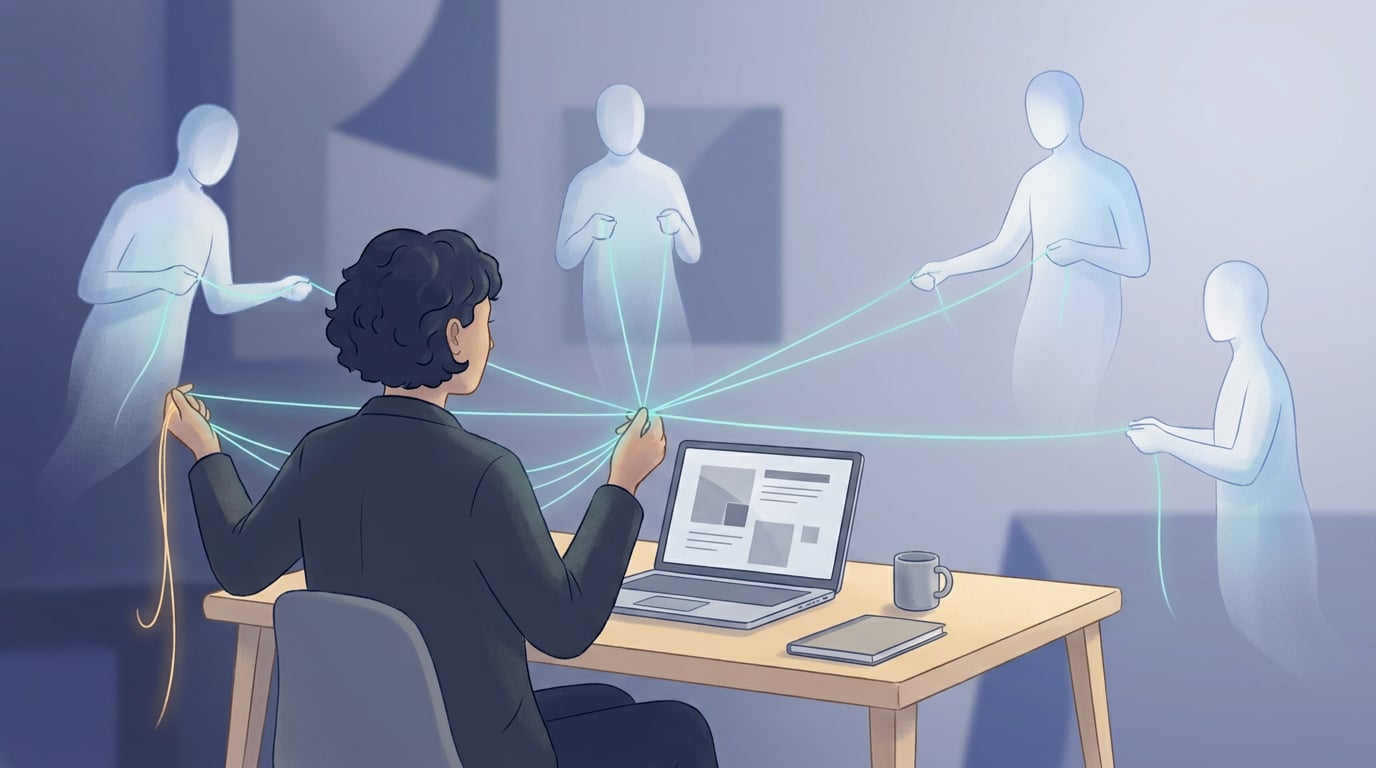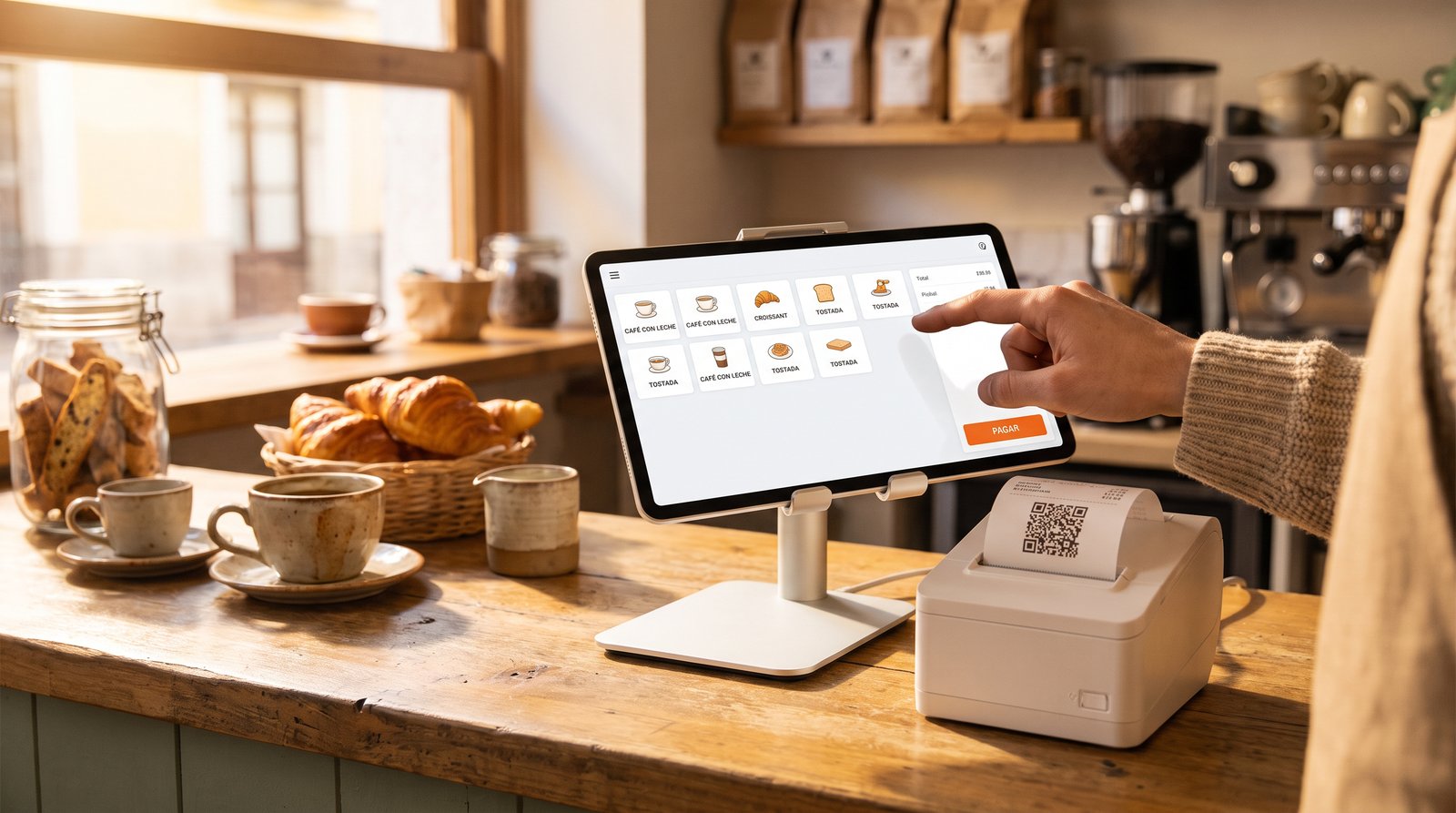
Until now, NAiOS invoiced, reconciled your bank, ran your CRM and even prepared your taxes. But the counter sale — the coffee, the loaf of bread, the t-shirt — still lived somewhere else: in a till from another brand that knows nothing about your ERP, or worse, in a drawer full of paper tickets. That ends here. NAiOS POS is the platform's touch point of sale, built on one very simple idea: the counter ticket is a real invoice, with its own numbering, its tamper-evident chained record and its verification QR, inside the same ERP where everything else already lives.
A till that is not an island
Most POS systems are islands: their own catalogue, their own numbering, their own end-of-day report someone has to re-type into the books. NAiOS POS does the opposite. The till's catalogue is your NAiOS ERP catalogue: same products, same prices, same VAT. Each register opens its own ticket series (TPV1-2026-0001, TPV1-2026-0002…) that lives alongside your regular invoices without ever touching their numbering. And every sale decreases stock when the product tracks it — shown right on the product tile, so nobody sells blind.
The consequence? There is no till report to copy anywhere. The counter sale is already where it belongs: in your invoicing, your books, your cash forecast.
VeriFactu built in, no fine print
Since 2026, Spain's invoicing-software regulation (the well-known VeriFactu, Royal Decree 1007/2023) requires software that issues tickets and invoices to produce chained, tamper-evident billing records with a verification QR on every document. A till is exactly that kind of software — and many of the ones sitting on Spanish counters do not comply.
In NAiOS POS every ticket is born as a simplified invoice (F2) in the ERP: it joins your company's chain of billing records (each record carries the SHA-256 fingerprint of the previous one — altering one breaks all that follow, and that gets caught), and it prints with its AEAT verification QR. Voiding a ticket does not delete it: it appends a cancellation record to the chain and puts the stock back. That is what the rule demands, and that is how it is built.
And a piece of honesty we like to state plainly: submission to the tax agency is enabled per company, with a safety net. The agency's test environment comes first; production mode only unlocks once your company has at least one genuinely accepted test submission — not when someone ticks a box. Final validation of the official schema is under way; meanwhile, the local chain and the QR ship on every ticket from day one.
Selling is tapping
A catalogue with a face
A touch grid with thumbnails: by default every product wears its category emoji over a soft tint (zero setup effort); if you want, give it its own emoji or upload a photo. Favourites come first, categories filter with one tap, and search finds by name or code.
Charging in seconds
Cash with a big keypad and the change computed for you (given 30, total 29, hand back 1 — no mental math at eight in the morning), or card on the terminal you already own. The payment is recorded in the ERP that very instant, and the 80 mm ticket prints from the browser with its QR.
Shifts and the Z report
The register opens a shift under an employee's name, with an opening float. On closing, the Z report sums the day by payment method and counts the drawer: expected cash against counted cash, and any difference is shown — green when it balances, red when it does not. No hiding the missing euro. The shift history stays on record.
On any screen
The same till adapts to three counters: the big desktop screen, the landscape counter tablet (the real-world king of POS formats, with finger-sized buttons) and the waiter's phone on the floor or at a market stall, where the ticket folds into a bottom bar and charging becomes its own full screen. And for the night bar, the platform's dark mode.
Three ways to use it
The café. Marta opens her shift at 7:55 with a 50-euro float. The whole morning is tapping: two coffees, one set menu, charge, next. At 16:00 she closes the Z: 87 sales, cash balanced to the cent, and every ticket is already a simplified invoice in the ERP — the accountant will have nothing to ask at quarter end.
The shop. Every t-shirt sold decreases catalogue stock, and the till itself shows how many are left before you promise anything. When a customer asks for a full invoice with their tax ID, it is issued from the ERP with the same data — one numbering, one truth.
The market stall. The whole till on a phone: full-screen catalogue, cash charged with the change computed, and the QR ticket printed or shown on screen. The day's takings, balanced from a park bench.
What comes next
The NAiOS POS plan continues: integrated payments (Stripe Terminal and Redsys) under the house rule — per-company keys stored encrypted, sandbox mode first and live mode only after a successfully executed test charge —, the ticket upgraded to a full invoice with a tax ID in two taps, refunds as corrective invoices, and the Z report landing automatically as an expected movement in NAiOS Tesorería, so bank reconciliation balances the counter too.
Getting started takes five minutes
If you already use NAiOS ERP, that is literal: create your register (it opens its own ticket series), start a shift and sell. If not yet, the ERP starts just as fast — bringing a reconciled bank and the whole platform behind the same chat. The counter was the missing piece. It is in place now.