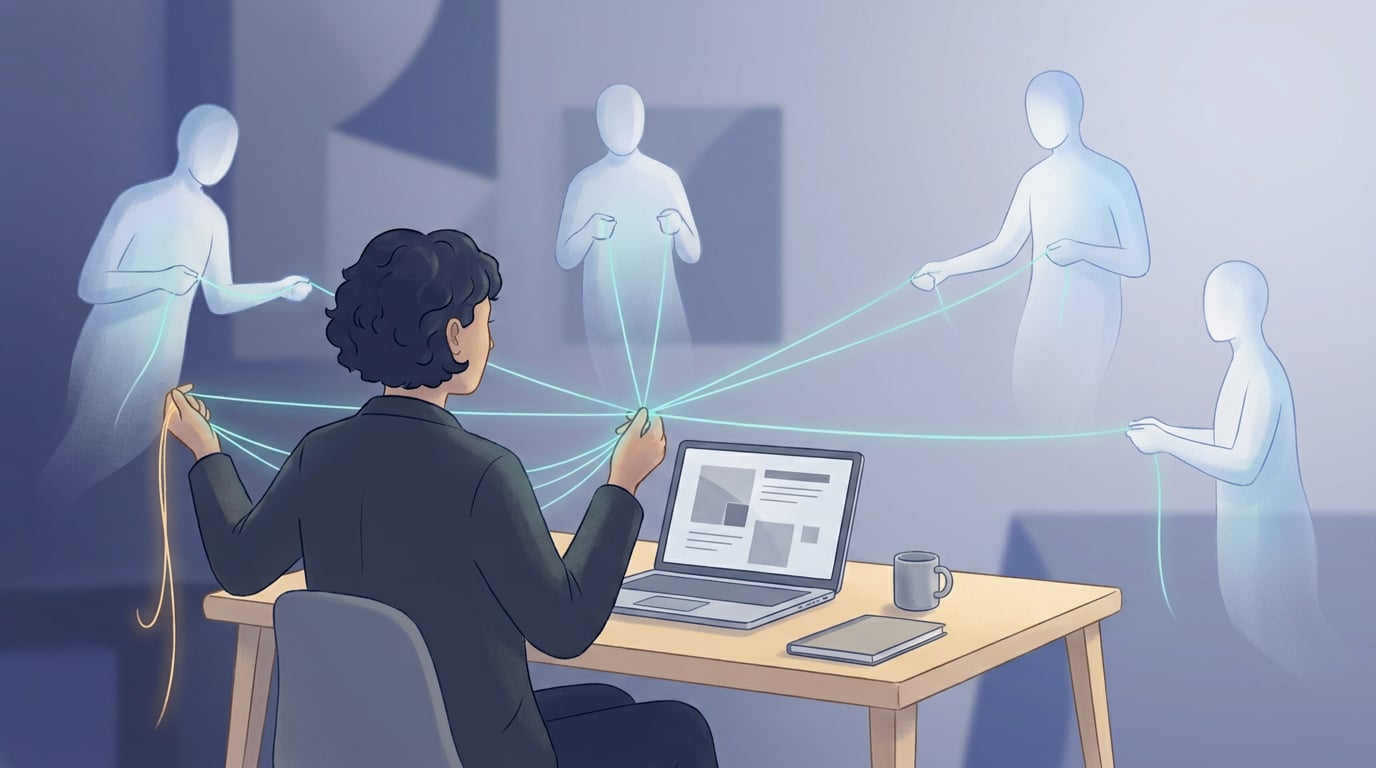
There is a labour reform waiting in the queue for Spain's official gazette that will touch every company in the country, whether it has two employees or two hundred: the mandatory digital time register. The draft is clear — an electronic record, traceable and immutable, with breaks logged and remotely accessible to the Labour Inspectorate. Its approval was postponed to September 2026 to address the Council of State's objections, but the direction is set: the hours spreadsheet and the paper sheet signed at month-end have an expiry date.
NAiOS Fichaje is the suite's answer: the working-time register of NAiOS RRHH raised to a complete system — typed breaks, a tablet kiosk for the entrance, a mobile mode with clocking one tap away, and a time ledger that never gets erased. It is not yet another program to install: if your team already lives in RRHH, the full time-clock appears right where the clock button already was.
For the employee: one button, their breaks, done
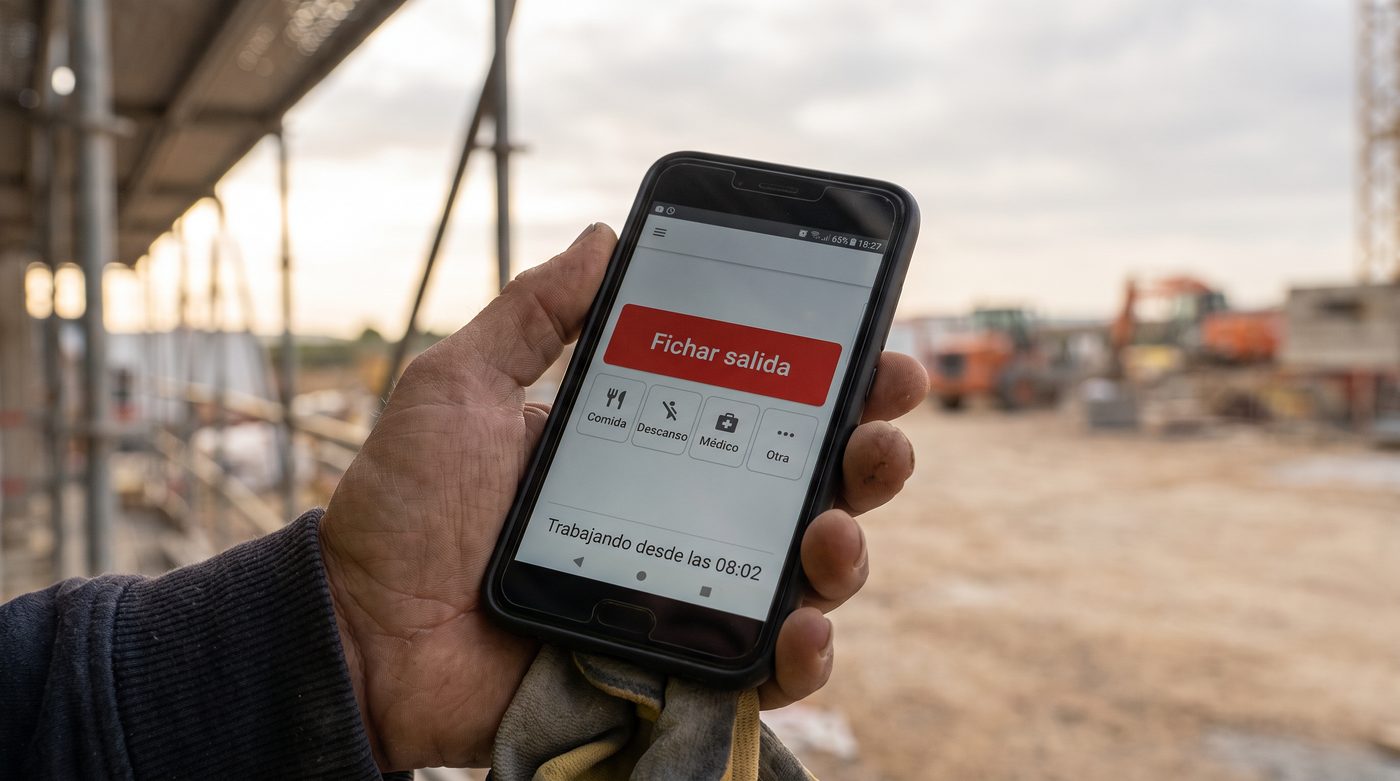
Everyone clocks from their portal, from the chat ("clock me in") or from the mobile clocking mode: one big in/out button and typed breaks — lunch, rest, medical visit, errand — one tap away. The day view shows the shift interval by interval, and the month view separates effective hours from breaks, which is exactly what the new rule wants recorded.
The kiosk: one tablet at the entrance, zero log-ins
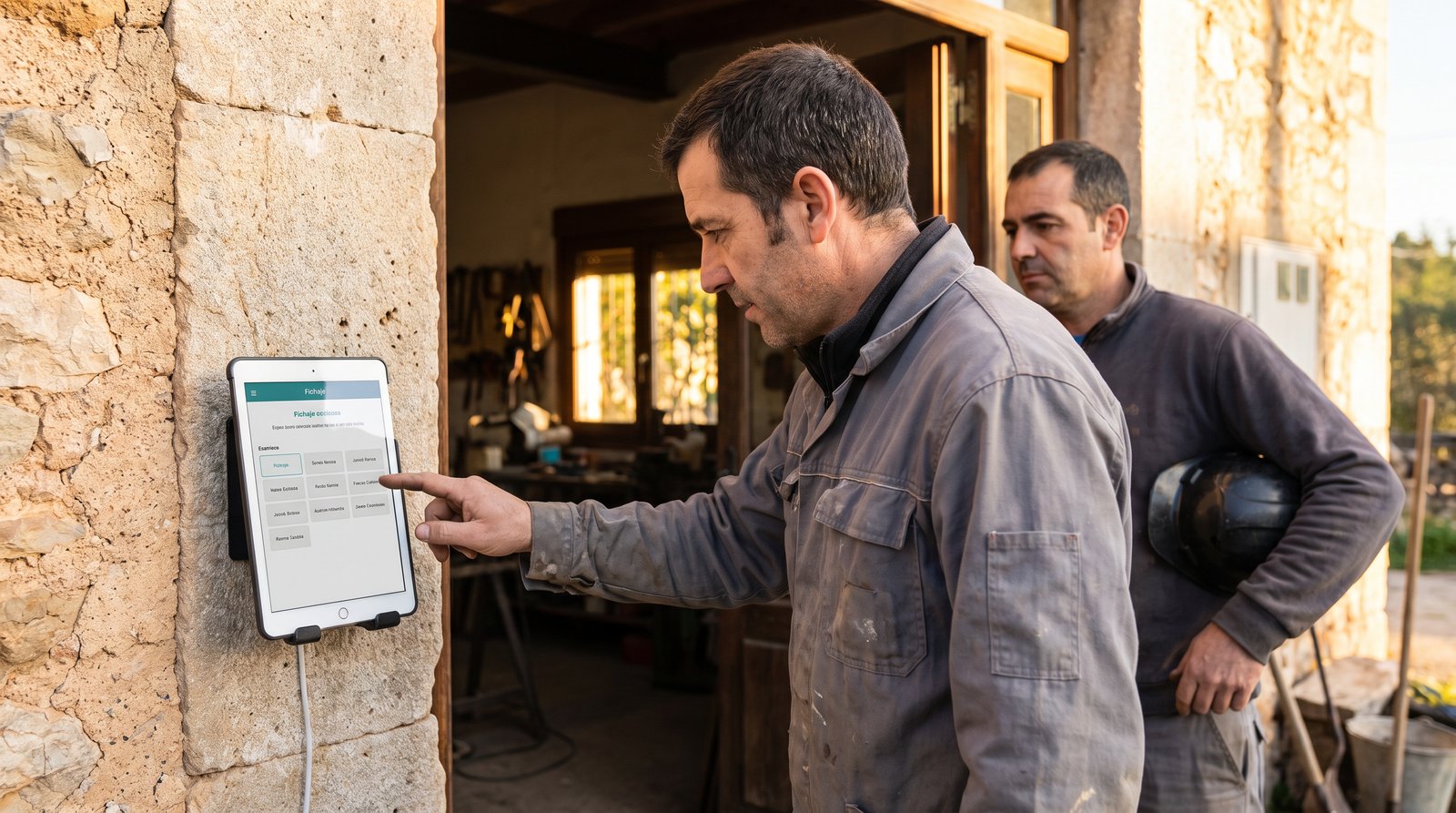
In a workshop, a shop or a bakery, not everyone clocks from their own phone. That is what the kiosk is for: an admin authorises a shared tablet (a link is the authorisation — revoke it and the device dies), mounts it by the door, and the whole staff clocks on it with their 4-6 digit PIN. In, out and breaks, with the staff grid and everyone's state at a glance — and nobody logs into anything.
Honesty built in, as always: the PIN identifies, it does not strongly authenticate — a colleague could know it. We say so in the guide instead of selling it as biometrics. And the shared screen shows only names and states: no hours, no one's history.
The time ledger never gets erased
Here is the heart of compliance. If someone forgot to clock, the manager corrects it — but correcting requires a reason, and the original record is stacked in the entry's history: who corrected, when, what it said before and why. Voiding a duplicate does not make it disappear: it stays visible, struck through and out of the totals. It is the same doctrine that made NAiOS ERP's VeriFactu solid: records are stacked, never crossed out — and when the inspector asks, the answer is in the history, not in anyone's memory.
Geolocation: optional, announced, and only when clocking
For people who work off-site — construction, delivery, maintenance — the company can enable the geoGEO (Generative Engine Optimization)The new SEO, optimizing content to be cited by generative AI-tag: clocking from the phone stores that instant's location. The red lines are built in and not negotiable: it is off by default, enabled per company, the employee sees it announced on screen ("your location will be stored when clocking"), and if the phone denies it the clock-in happens anyway. Never continuous tracking — that is not a time register, it is something else, and NAiOS does not do it.
For the manager: the report the rule asks for
The clockings screen shows the team's month with effective hours and breaks in separate columns, against each person's contracted hours. It exports to a NAiOS Office spreadsheet in one click, and every entry carries its traced origin: web, mobile, kiosk or manual. If you work with an advisory firm on NAiOS Gestoría, the month's variations — overtime included — reach them on their own on the 25th.

The law, explained without smoke
- What is already mandatory today (art. 34.9 of the Workers' Statute, since 2019): recording every employee's daily working time and keeping it for four years. NAiOS RRHH already complied with that.
- What the new Royal Decree brings (pending publication, postponed to September 2026): the register must be digital, unalterable, with breaks logged, and remotely accessible to the Inspectorate with a 24-hour response.
- What NAiOS gives you today: a digital register with typed breaks, an immutable correction history and unlimited retention — you reach the rule before it exists.
- What we will switch on when it is published: the Inspectorate's remote-access channel, which requires the official technical specification the decree has not yet fixed. When it lands, it gets switched on — just as we did with VeriFactu and e-invoicing: no smoke, and no promising what cannot yet be certified.
Three ways to use it
The builder with three sites
Each worker clocks from their phone on arriving at the site, with the geo-tag enabled and announced. The foreman sees who is on which site without calling anyone, lunch breaks are typed, and if someone forgot to clock out it gets corrected with a reason and a trail. At month-end, the effective-hours report goes straight to the advisory firm.
The bakery with early shifts
A tablet in the changing room as a kiosk. The team walks in at five in the morning and clocks with their PIN in two taps — nobody boots a computer or remembers passwords. The breakfast break is logged as a break, and the report separates worked from paused time without anyone doing sums.
The hybrid office
Whoever comes to the office clocks in the portal on sitting down; whoever works remotely, from the chat or the phone. Medical visits are recorded as typed breaks instead of getting lost in emails. The manager stops chasing anyone at month-end: the register is already there, complete and defensible.
Getting started takes five minutes
If your company already uses NAiOS RRHH, there is nothing to install: breaks, the mobile mode and corrections with history are already inside the same working-time register, and the kiosk is authorised from the Clockings screen in a minute. If you do not use RRHH yet, registering your team and inviting them to their portal is the only step — they can clock from day one.
NAiOS Fichaje joins NAiOS RRHH and NAiOS Gestoría in the suite's labour layer: the employee file, working time, payslips and now a compliant time register, inside your chat. For the full picture of the platform, start with why NAiOS is the optimal solution for your business.