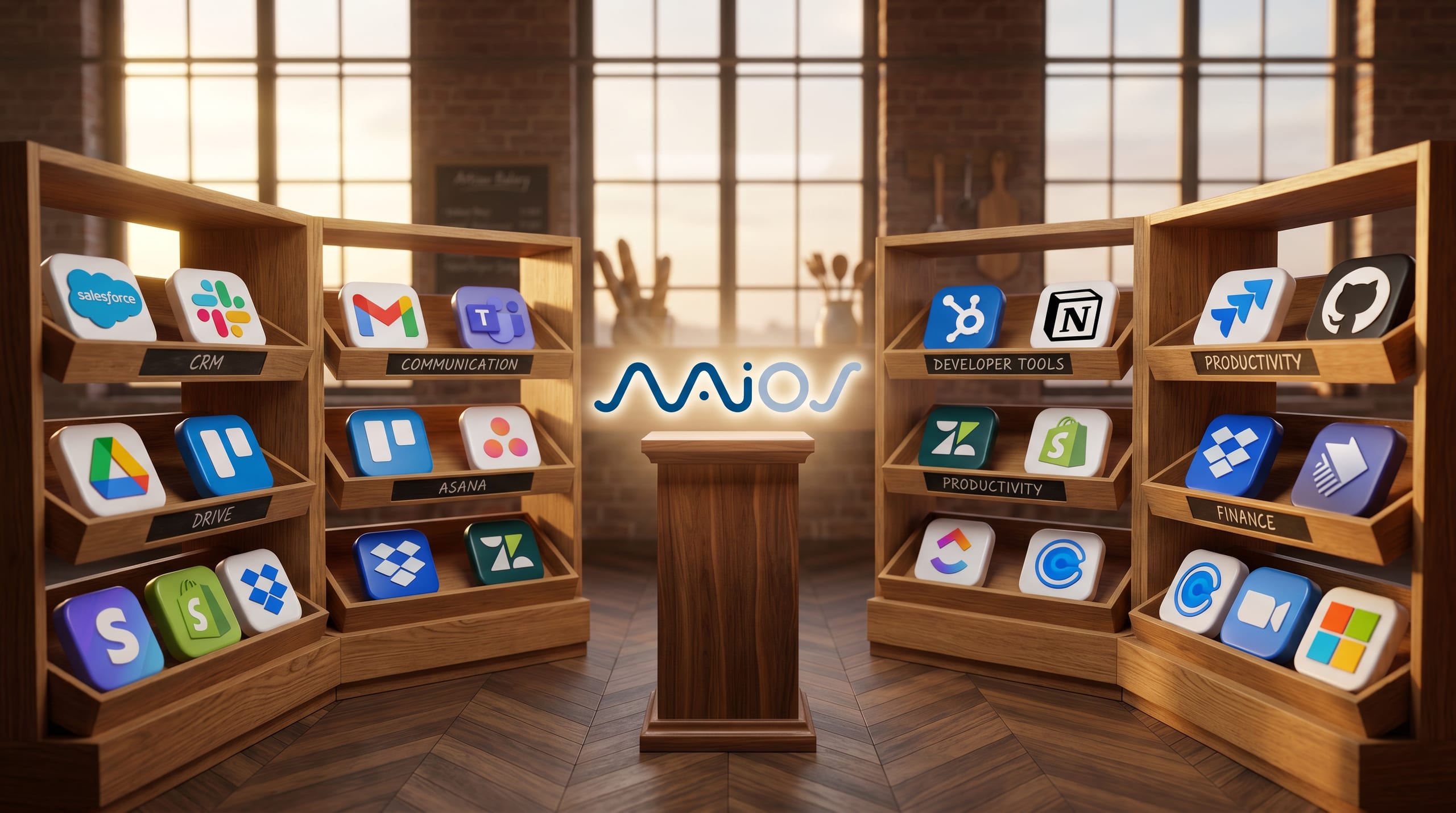
Today we launch NAiOS Connectors: a catalog with over a thousand integrations that your agents can use to connect to any system — CRM, ERP, productivity, communication, data, marketing, document storage, and much more.
If you have been following NAiOS for a while, you know that our proposal is clear: AI is useless if it doesn't act on your real business. For an AI agentAI AgentsSystems that execute multi-step tasks without constant supervision to provide tangible value, it needs to communicate with the tools you already use. This is exactly what the new section solves.
What are connectors in NAiOS?
A connector is a bridge between an AI agent and an external service. Each one exposes actions (what the agent can execute — for example, "send email," "create contact," "upload invoice") and triggers (events that can activate the agent — for example, "new message in Slack," "ticket created in Zendesk").
The important thing: a single unified API. You don't integrate 1000 different APIs; you integrate NAiOS, and NAiOS communicates with all of them.
Over 1000 integrations, one single API
The catalog covers the categories your company uses every day:
- Communication: email, business chat, messaging, video calls
- CRM and sales: the main commercial management systems
- ERP and operations: accounting, invoicing, inventory
- Productivity: project management, documents, calendars
- Data and analytics: databases, data warehouses, dashboards
- Marketing and networks: social media, email marketing, automation
- Document storage: cloud drives, file management
- Development: code repositories, CI/CD, observability
- Customer support: helpdesks, ticket systems
- AI and models: transcription, OCR, image generation
Real use cases
To make it tangible, here are some examples of what a NAiOS agent can orchestrate thanks to the connectors:
For sales teams
An agent detects a new qualified lead in the CRM, enriches the company data from an external source, creates the opportunity assigned to the responsible salesperson, and notifies the team in the corporate chat — all without human intervention.
For operations and administration
When an order comes in through the online store, the agent generates the invoice in the ERP, archives the documentation in the corporate drive, and alerts logistics with the preparation order. The human only approves, does not process.
For marketing
The agent analyzes the performance of the week's campaigns, drafts an executive report, saves it in the internal documentation tool, and shares the summary with management via email.
For support
A new ticket arrives, the agent checks the customer's history in the CRM, searches for relevant internal documentation, proposes a response to the technician, and if approved, sends it and closes the ticket.
For data
Automatic synchronization between sources: in-store sales → data warehouse → internal management table → executive dashboard. Zero custom scripts, everything orchestrated from NAiOS.
How the new section works
- Explore by category or search. The catalog displays connectors grouped by use (CRM, ERP, productivity…), with a real-time search feature to locate a specific service.
- Open the connector's details. Each connector has its own page with a description, number of actions, number of triggers, authentication schemes, and a link to the provider.
- Check the technical capabilities. For each action and trigger, the input and output parameters are shown with their type, whether they are mandatory, and their description. It’s the technical sheet your integration team needs to validate the fit.
- Talk to us to activate it. The catalog is the inventory; activation is done within your organization's NAiOS plan.
Also designed for your technical team
Each connector's sheet includes a block of technical information detailing schemas, managed authentication (OAuth) or by API key, and documentation for each operation. It’s not marketing: it’s the real information you need to plan an integration.
Start here
Visit the new section and take a look at the tools your team works with every day:
If you want a demo focused on your specific case — which connectors apply to your stack, which flows we could automate first, what impact to expect — contact us and we’ll discuss it together.
NAiOS remains the same as always: an AI integrator designed for real companies. With this section, we make it more visible.