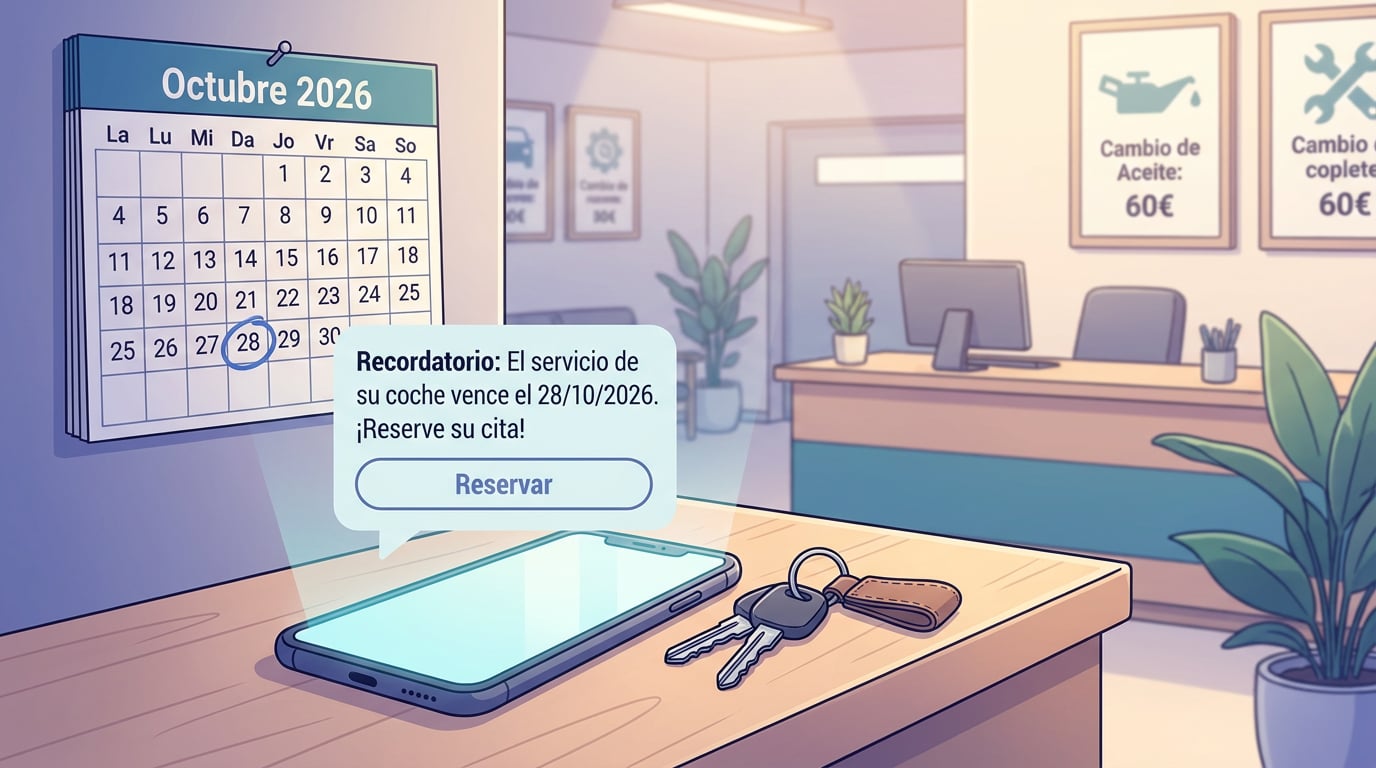
A garage knows when the first service is due for every car they sold. A brokerage knows when each policy expires. A dental clinic knows when the annual clean is due; a fire extinguisher company, when each pressure test expires; an accountant, when each contract reaches its one-year mark. Everyone has the date written down somewhere. What almost no one has is the time to call. The Date reminders in NAiOS Campañas turn that column of dates into a WhatsApp message that sends itself, a few days before, with the customer's name and a booking link.
One rule, not a hundred alerts
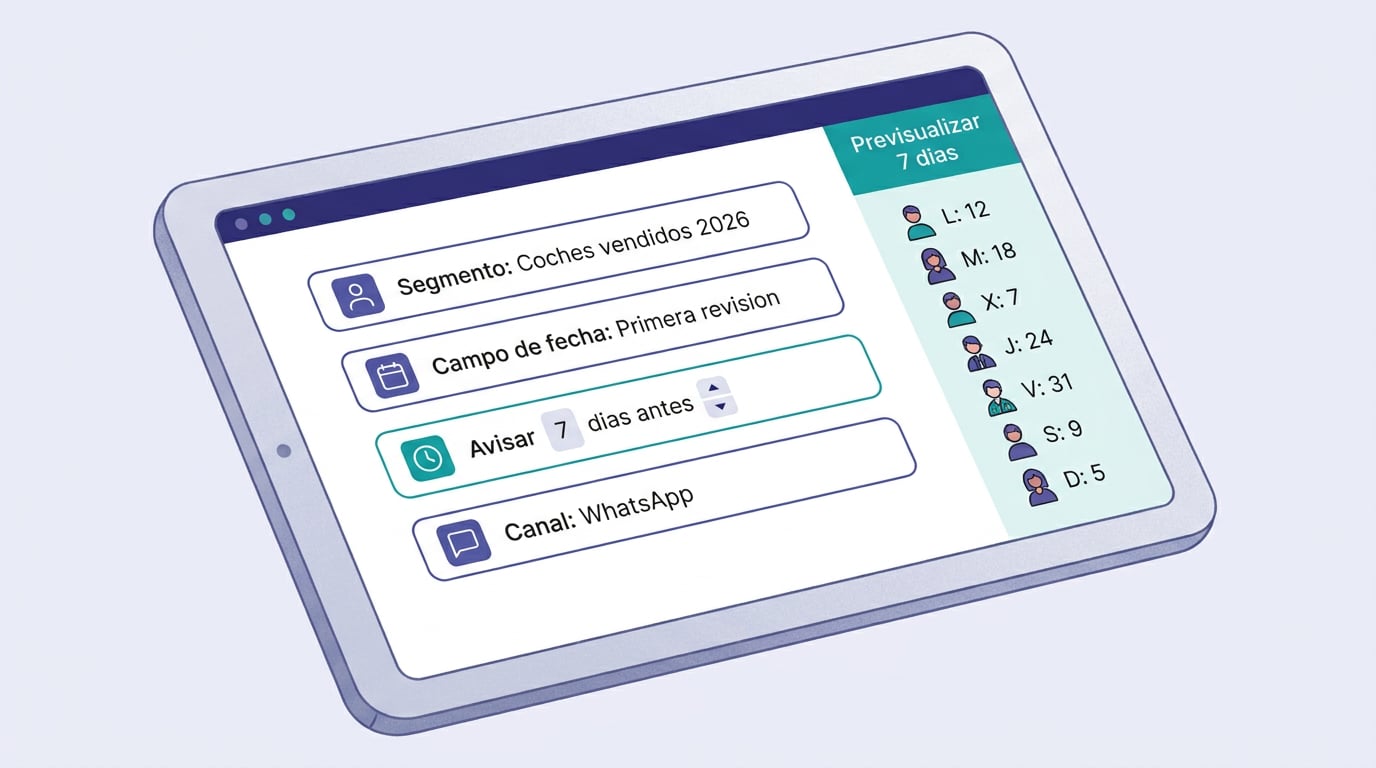
You define it once per CRM space: which segment of records, which date field (the date of the first service, the policy expiry, the registration date), how many days in advance to send the alert, and the text. There are two modes. "Before the date" alerts once, N days before the date on the record. "Anniversary" alerts every year, N days before the date's anniversary: the annual service, the renewal, or "it's been a year since you visited us".
The text includes variables: name, first name, company, the target date in day/month/year format, the booking link, and any custom field from the record, with fallback text if the data is missing. "Hi Marta, your car service is due on 28/10/2026. Book your slot here" is a one-line template.
Via WhatsApp, from your own number
The reminder is sent via an OmniChat WhatsApp channel that belongs to you: either the official company number with Meta-approved templates, or a connected personal WhatsApp. Each option has its own cost and risk, and the decision lies with the business; the rule works exactly the same with both. The phone number on the record is automatically completed with the 34 prefix if it is a nine-digit Spanish number; any shorter number without a prefix is skipped, and the system lets you know.
Only to those you are allowed to message
Reminders are messages sent to customers, so they are only sent to records with customer or express consent. A prospect with no prior relationship will not receive a WhatsApp message just because there is a date on their record. It is the same channel rule we explained in the post on LSSI and consent, applied to WhatsApp.
Review each send, or let them go out automatically
With "review each send", the day's reminders go into a pending queue and are sent when you click Approve, either individually or all at once. With "automatic", they go out on their own within the rule's schedule, Monday to Friday from 9 am to 6 pm by default. The schedule determines when they are sent, not what expires: if the alert falls on a Saturday, it is prepared anyway and sent first thing on Monday. And if the server was down for a few days, it catches up on what expired in the meantime, going back up to two weeks, instead of staying silent.
Never twice
One reminder per person and target date. If the delivery fails, it is marked as failed with the error in the history and is not blindly retried: you fix the channel and relaunch it yourself. Before activating anything, "Preview 7 days" shows who would receive the alert each day, and who would not and why, without messaging anyone. "Send test" sends a single message with sample data to the phone number you specify.
From spreadsheet to rule
If your dates currently live in a spreadsheet, the process is the same as we described in importing companies to the CRM: you import the sheet with the date column as a custom field, save a segment ("cars sold in 2026", "home insurance policies"), and create the rule for it. When the spreadsheet changes, you import it again in update mode, and the new dates are automatically added to the rule.
Who it is for
- Garages and dealerships: first service, annual services, MOT.
- Brokerages and professional firms: policy expiries, contract renewals, deadlines.
- Clinics, beauty salons, and vets: regular check-ups, vaccinations, cleans.
- Maintenance and installation companies: mandatory boiler services, fire extinguishers, lifts.
- Any business with a date on their records and no desire to make phone calls.
In the chat, you just need to ask "how are my reminders doing?" to see the rules, the next seven days, and what was sent and failed over the last month. No chat tool sends or approves anything: that is still up to you.