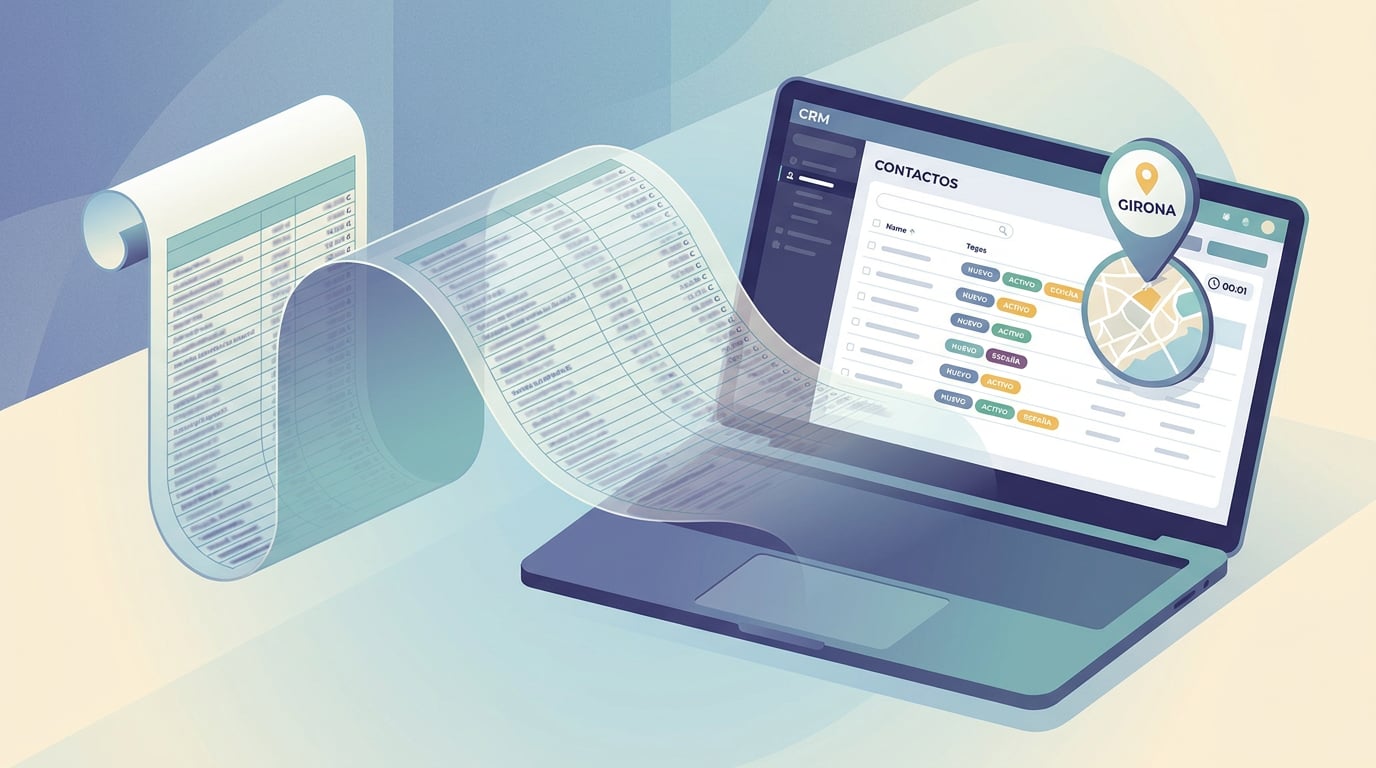
You have an Excel sheet with thousands of companies: name, CIF, province, categories, website, email, phone number. You downloaded it from a public registry, an association shared it with you, or you built it by hand. And there it sits, because moving it to a "real" CRM is usually a whole afternoon's work. With the NAiOS CRM, it takes a minute. Here is the complete walkthrough, using a real-life case: the digital agents from Kit Digital, nearly eight thousand rows.
1. Choose the source
In the CRM, go to Import (sidebar). You can upload the file directly, choose a sheet you already have in "My Documents" in NAiOS Office, or a scannable Excel sheet from your Knowledge. All three paths lead to the same place. Nothing is saved until you confirm.
2. Review the mapping
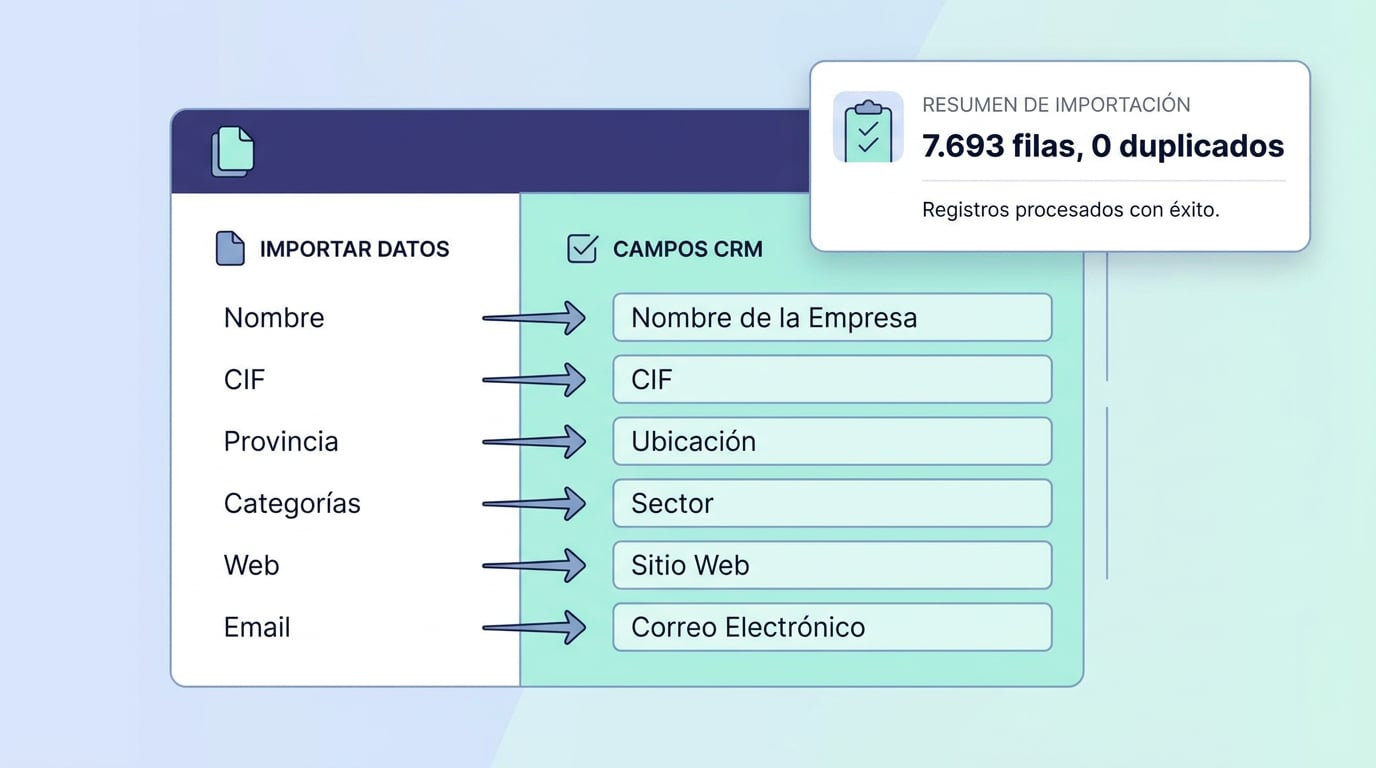
The importer recognises common headers in Spanish, Catalan and English: name, CIF, domain, email, phone, job title, address, company, province, notes. Anything it doesn't recognise is suggested as a custom field, with the type inferred from the data: text, number, date, or a list of options if there are few distinct values. In the Kit Digital Excel sheet, "Solution categories" and "Provinces of operation" end up like this, and are later used for segmentation.
If the file has both the company and the contact person in the same row, choose the company + contact mode: it creates the company by CIF (or by name if there isn't one) and a general contact with the email and phone number. If the company already exists, it doesn't duplicate it: it fills in the blanks and never overwrites what you already had.
3. Declare consent and tag
Before confirming, the importer asks you something other CRMs don't: what legal basis of consent these contacts have. Explicit, customer, one-to-one professional contact, or none. For a list of companies collected from a public registry, the honest answer is "one-to-one professional contact": you will be able to write to them personally from your inbox, but not add them to a mass newsletter. The platform records who declared it and when.
In the same step, you add the tag ("Digital agents"), the initial lifecycle stage (prospect) and the source. This way, in six months' time, you will know where each record came from.
4. Confirm and view the summary
The summary tells you how many rows will be created, how many will update existing records, how many are duplicates within the file itself, and how many are invalid, along with the reason. You confirm, and the CRM processes them in batches while you watch the progress. The nearly eight thousand rows in our real-life case took about eleven seconds. If something isn't right, the batch can be rolled back: what was created is deleted (anything that already had activity is archived instead of deleted).
5. Segment and score
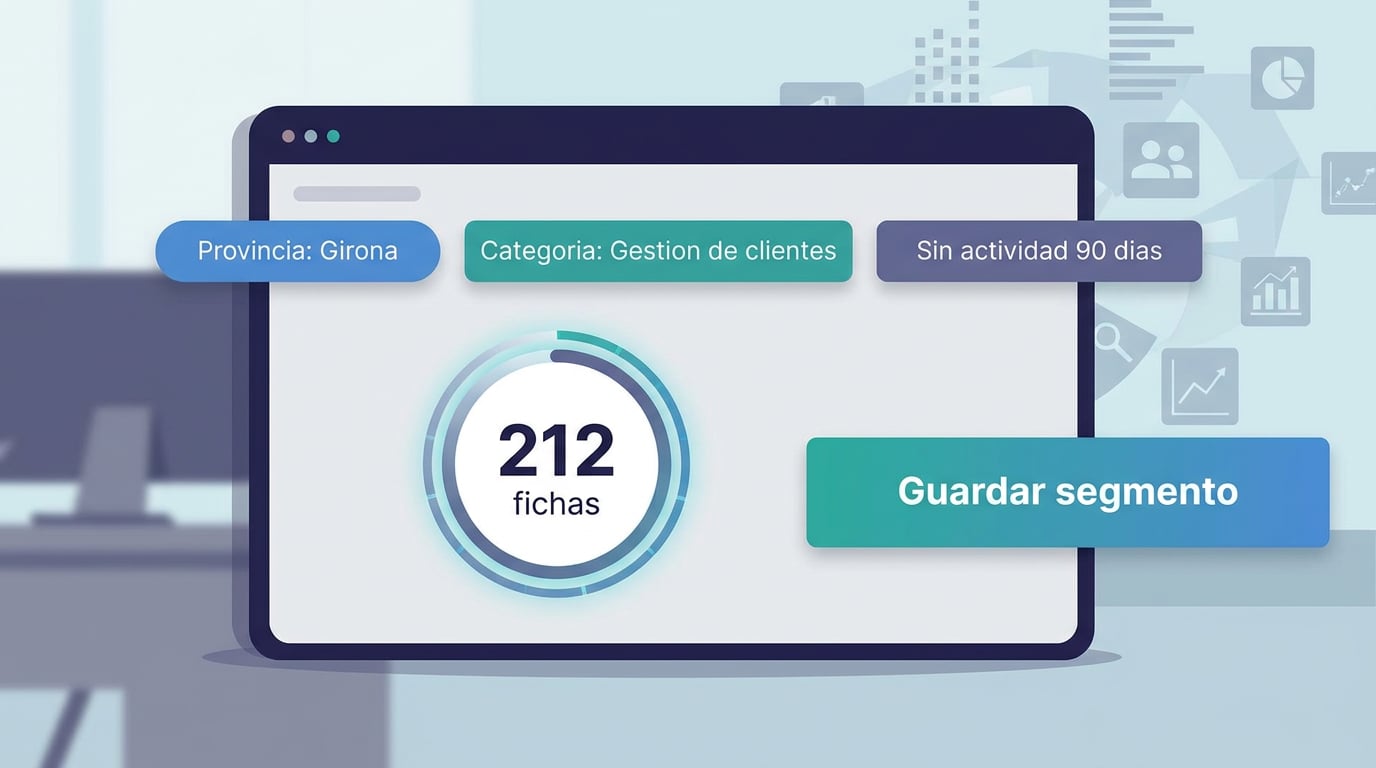
Now the useful part begins. In Segments, you define filters that are evaluated every time you use them: tag "Digital agents", province Girona, category containing "Customer management", no activity in the last 90 days. The counter updates in real time. You save the segment, and it's ready to be used as the source for your sequences and campaigns.
Click "Score" and each record receives a score from 0 to 100 based on how well they match what you sell: related categories, priority province, having a website and email, recent activity. Sequences enrol those with the highest scores first.
6. The first sequence
In Campañas, you create a sequence with three steps: an introductory email, a four-day wait, and a second email for those who haven't replied, plus a call as a task. You enrol the segment; those who cannot enter (no email, "do not contact", on suppression list) are listed with the reason. The engine generates the drafts, you approve them, and they are sent from your NAiOS Mail account, with an hourly limit, within working hours, and with a two-week warm-up period. As soon as someone replies, their sequence stops, and they become a lead in the CRM.
What's done by the end
- Thousands of companies and contacts in the CRM, with no duplicates, complete with source and date.
- Custom fields ready to filter without you having to touch a thing.
- A declared legal basis of consent per record, which determines which channel is opened.
- A live segment, a score, and an active sequence.
The CRM and Campañas are available on all plans. If your file is different, the mapping adapts: try it with a sample of twenty rows, check the summary, and then upload the entire file. And if you'd like us to do it with you, get in touch.