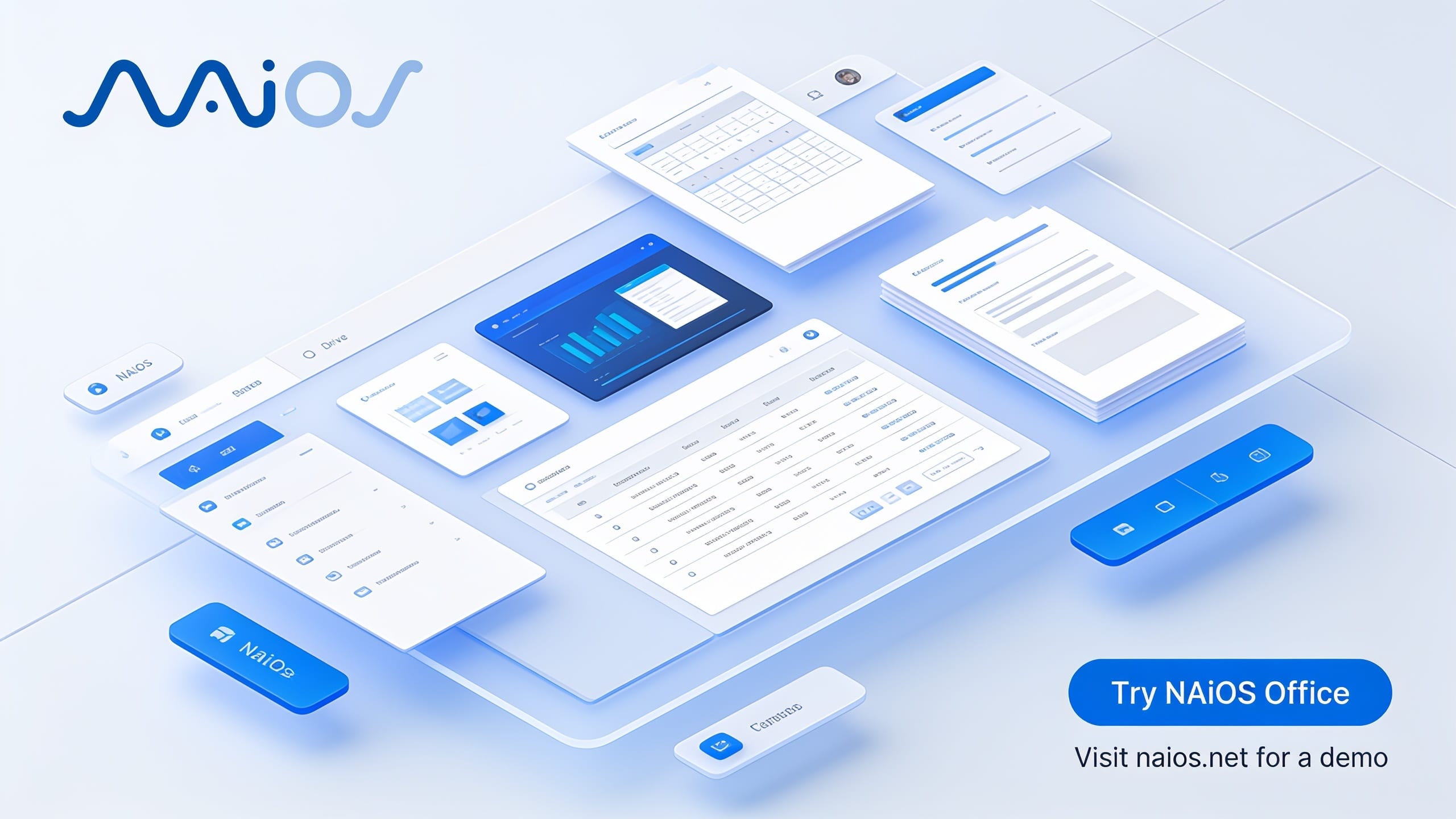
NAiOS Office: The Ultimate AI-Powered Alternative to Microsoft Office
For decades, companies have relied on traditional office suites where documents were simple static files. Files that get lost in folders, information that remains isolated, and data that requires hours of manual searching. But the work environment has evolved.
Today we present NAiOS Office, a structural revolution in enterprise document management. It's not simply a "Word with integrated AI"; we're talking about AI-native documents. NAiOS Office is the drive where Artificial Intelligence lives, specifically designed to replace Microsoft Office in your company, centralizing all your knowledge in a dynamic, secure, and automated environment.
What is NAiOS Office?
NAiOS Office is the ultimate document workspace from NAiOS Labs. It works as a complete drive (similar to Google Drive or OneDrive) where teams can create text documents, spreadsheets, and presentations using proprietary and advanced editors.
The major difference from a traditional office lies in its architecture: each native document lives in the user's Knowledge Base (KB). This means that when you save a file, it is automatically indexed. The document ceases to be a dead file and becomes living context. The AI can find it in any conversation, autonomous agentsAgentic AIAI capable of planning, deciding, and acting autonomously can read or update it, and the Copilot can reason over entire folders.
How it works: From Creation to Human Confirmation
The workflow in NAiOS Office is designed to maximize productivity without losing control:
- Omnichannel Creation: You can create content directly in the editors, ask the chat to write it for you ("draft the quarterly report for me"), or import existing files (.docx, .xlsx, PDFs, URLs, YouTube videos).
- Landing in the Knowledge Base: Everything is organized in "My Documents". Each save generates a snapshot that enables automatic semantic search (RAGRAG (Retrieval Augmented Generation)Combine real data search with text generation) without additional configuration.
- AI Intervention: The Office CopilotAI CopilotAI Assistant integrated into work tools, integrated in a side panel, searches, summarizes, and writes about the folder or document you choose.
- Human-in-the-Loop (HITLHuman in the Loop (HITL)A design in which a person reviews or approves the relevant actions of an AI system before they take effect): The AI reads automatically, but any writing or editing is presented as a proposal. Nothing changes without your human confirmation.
Key Features for Your Company
NAiOS Office comes equipped with 13 core capabilities designed to meet and exceed current corporate needs:
1. Intelligent Creation and Editing
- 📝 Documents: A native editor with an AI assistant that knows the context of your Knowledge Base. Includes section-based comments, version history and full import/export compatibility with .docx and PDF.
- 📊 Spreadsheets: Support for multiple sheets, formula evaluation (SUM, AVERAGE, IF, etc.) and floating images. The best part? The AI can analyze your data directly via SQL.
- 🎞️ Presentations: Create impactful slides with 6 professional layouts, AI-generated images, light/dark themes and transition effects. Fully compatible with .pptx.
- ✨ Office Copilot: An omnipresent side panel that summarizes, drafts and searches for information about any chosen folder, always under your supervision.
2. Document Management and RAG
- 📁 File Drive: Upload any format. It features native viewers for PDF, PowerPoint and Word without relying on the browser, real thumbnails and quota control.
- 🧠 Automatic RAG: Every native document is semantically searchable by the AI in any chat conversation. Zero configuration.
- ☁️ Import from the cloud: Connect and bring entire folders from Google Drive, Dropbox and OneDrive/SharePoint. Google documents are magically converted into editable ones.
- 🗜️ Round-trip ZIP: Upload a .zip and extract it, recreating the original folder structure, or download your entire workspaces in compressed format.
- ▶️ YouTube transcriptions: Paste a URL and get an editable transcription with minute-by-minute links to the original video. Perfect for integrating into your RAG.
- 🔄 Full Import/Export: Move in and out of the platform without friction with bidirectional support for Microsoft Office, PDF, Markdown and HTML formats.
3. Enterprise-Grade Collaboration and Security
- 🤐 Password protection: Lock documents, files or entire folder subtrees. Security applies to all users, including the owner.
- 👥 Share with granular control: Create Workspaces by folder (with viewer, editor or auditor roles), assign members per document or generate public links with password, expiration date and visit limit.
- 💬 Comments and real-time presence: Discussion threads by section and passive notices to know who is editing the document with you.
Use Cases: NAiOS Office in Action
How does all this translate into a company's day-to-day? Here are real examples:
- Consulting (Recurring reports): A consultant asks the chat: "Draft the monthly report for client X". The AI searches the client's folder via RAG, generates the document, the consultant polishes it with the Copilot and shares it through a link with expiration. Result: From 3 hours of work to 20 minutes of review.
- SMEs (Document onboarding): When migrating from Google Drive, the entire company policy gets indexed. If an employee asks "What is our vacation policy?", the chat answers instantly citing the exact source.
- Training (Leveraging video): A team pastes the URL of a webinar. NAiOS Office transcribes it, the Copilot summarizes it into a one-pager and, from there, they generate a presentation with AI images for an internal session.
- Automation with Agents: An AI agentAI AgentsSystems that execute multi-step tasks without constant supervision collects metrics every Friday and proposes updating the "Weekly Report". On Monday, the manager only has to review the proposal, confirm (HITL) and share. The document maintains itself.
- Data Analysis: A user uploads an opaque expenses Excel. Instead of fighting with pivot tables, they ask the chat in natural language: "What was the average expense per supplier in Q2?". The AI queries it via SQL and gives the broken-down answer.
Take the leap to the future of work
Microsoft Office defined the office software of the past; NAiOS Office defines the workspace of the future. By unifying document creation, cloud storage and native artificial intelligence in a single platform, your company will not only save on licensing costs, but will multiply the efficiency of every team member.
Ready to leave static files behind and bring your documents to life?
🚀 Try NAiOS Office right now by entering the chat and experience the difference.
🏢 If you want to implement this solution in your company, go to naios.net to request a personalized demo. Our team will show you how to transform your document management forever.