Back to blog

What is an Artificial Intelligence Integrator (and why your company needs one)

Most companies use AI… but few truly integrate it. And that's the difference between automating tasks and transforming the way your business thinks, decides, and grows.

31 de enero de 20262 min read
Compartir:
Qué es realmente un Integrador de Inteligencia Artificial (y por qué tu empresa lo necesita)

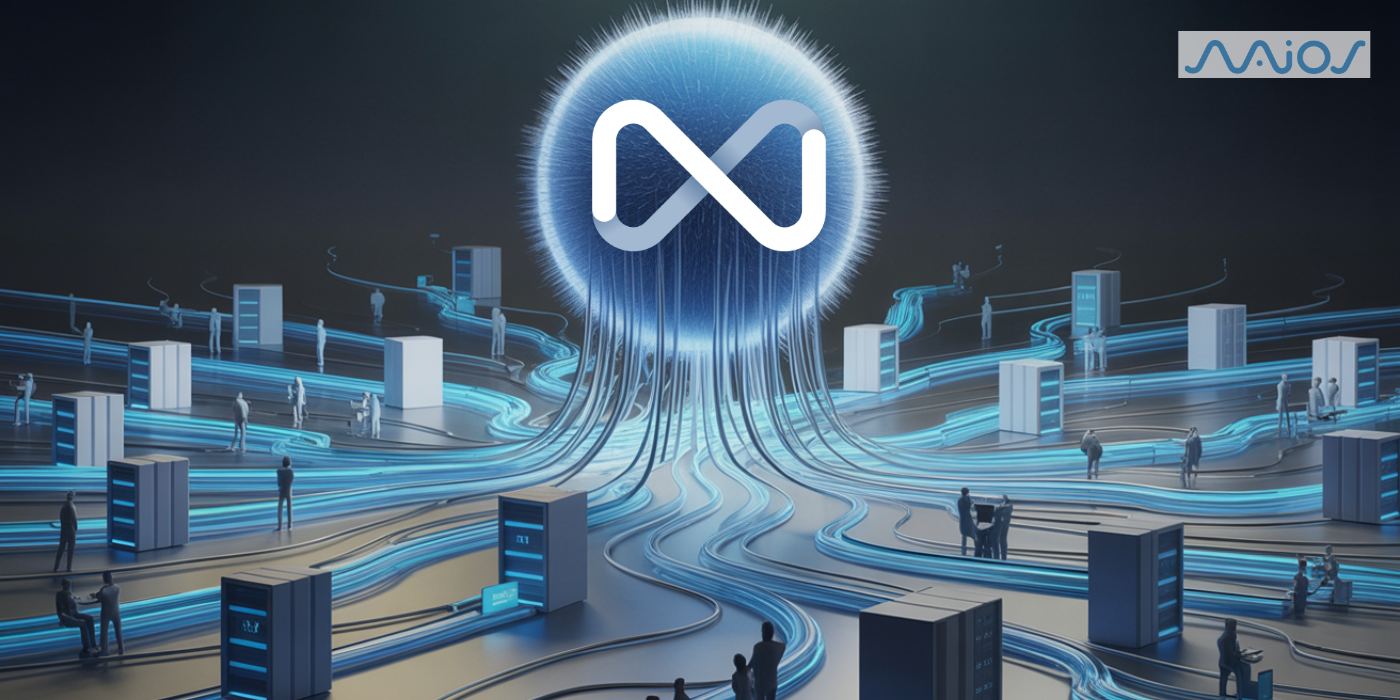
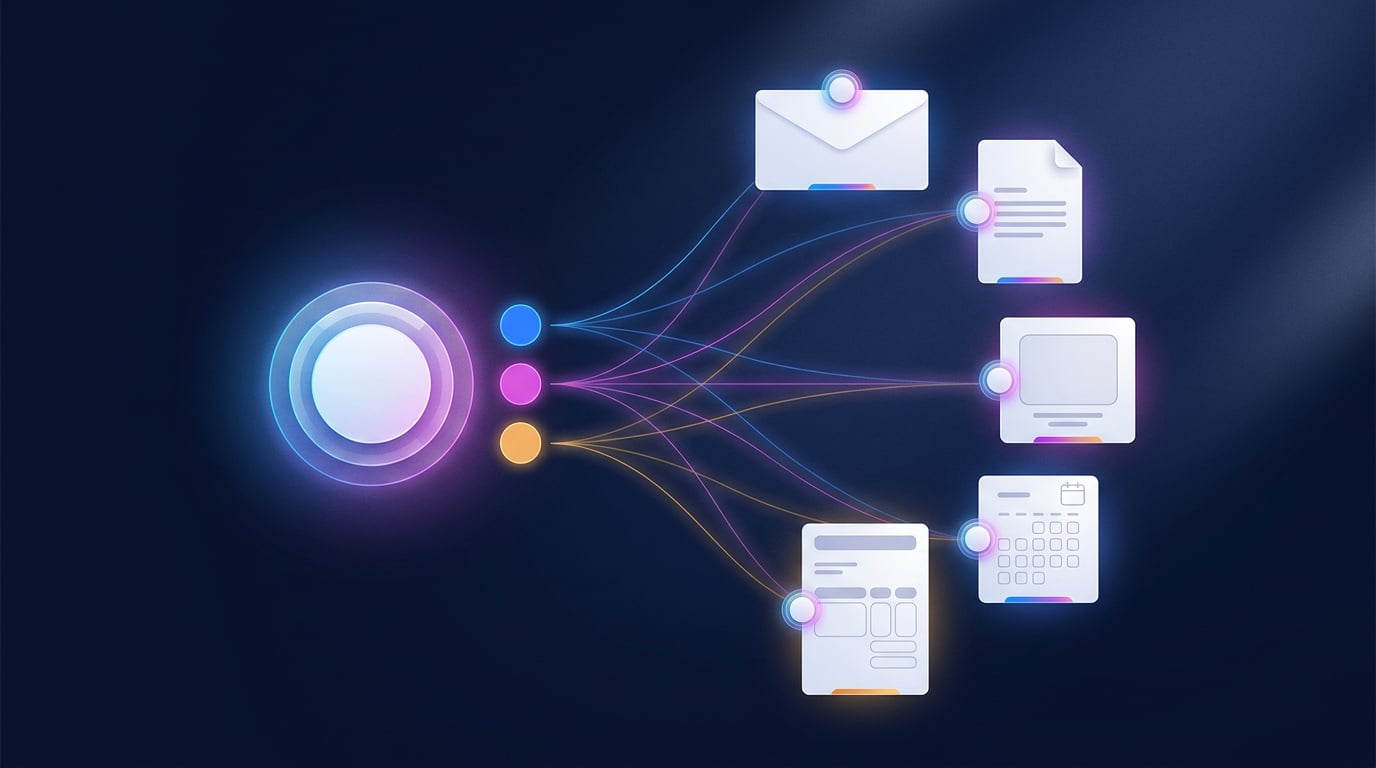
An AI integrator is not a provider It is the architect of your intelligent transformation. While conventional tools force you to adapt to their technology, a professional integrator adapts artificial intelligence to your business, connecting every system, data, and process into a coherent, secure, and scalable ecosystem. What exactly does an AI integrator do? 1️⃣ Integrates without barriers or complications Brings artificial intelligence directly to the heart of your operation, without friction or costly redesigns. 2️⃣ Connects with your current infrastructure Your ERP, CRM, or Business Intelligence are not replaced: they are synchronized and enhanced. 3️⃣ Creates customized intelligent tools From conversational agents to specialized GPTs, tailored to your real challenges. 4️⃣ Amplifies context for strategic decisions Connects your scattered data so that every decision has complete and real-time information. 5️⃣ Optimizes processes intelligently Automates the repetitive, accelerates the important, and enhances human talent towards the strategic. 6️⃣ Designs a personalized roadmap No generic methodologies: your transformation path is unique and evolves with you.

An AI integrator transforms the question: "How can we use AI?" into "How can AI exponentially enhance what we already do well?" And that is the difference between using technology and turning it into your most powerful competitive advantage.

"It's not about replacing people with AI, but about amplifying their potential with intelligence." — Satya Nadella

If you want to integrate AI into your company and don’t know where to start, contact info@netretina.ai and we’ll help you get started

Hashtags to share:

#NAiOS #IA #CRM #ArtificialIntelligence #AIAgents

Compartir:

Related articles

NAiOS MCP Gateway: tus datos de NAiOS en Claude y en la IA que ya usas
Naios Functions

NAiOS MCP Gateway: your NAiOS data in Claude and the AI you already use

NAiOS is now an MCP server. Connect Claude (and Claude Code, Cursor or VS Code) with your NAiOS and ask it about your emails, your calendar, your customers, your invoices or your contracts; if you enable it, it also sends emails with your confirmation. With your account, your permissions and your company's control.

8 de noviembre de 2026Available as audio2 min
Read more
Puesta en marcha: NAiOS funcionando con lo que ya usas, un paso cada vez
Naios Functions

Set-up: NAiOS working with what you already use, one step at a time

The first module you see when you enter NAiOS suggests one small step at a time: connect your email and your calendar, bring your company's tools (connect them, import them or replace them with a module) and an assistant that accompanies you. If your programme isn't there, open a ticket and we'll conceptualise it with you. And if it speaks MCP, connect it with your account.

29 de octubre de 2026Available as audio1 min
Read more
Esta semana en NAiOS: quince módulos nuevos y a qué te suena cada uno
Naios Functions

This week in NAiOS: updates in fifteen modules and what each one reminds you of

Between 8 and 14 October, new versions of fifteen NAiOS modules have been released, almost all of them born from a support ticket: the Journal that reads like a book, quarterly VAT with a button, payments to the Spanish tax agency (AEAT) by form, fields on top of the PDF in Signature, payment reminders and rates in the ERP, and agents that see and hear. And, module by module, which program you already use each piece resembles and how it fits in with it.

14 de octubre de 2026Available as audio1 min
Read more

Did you enjoy this article?

Discover more content on our blog.

View all posts