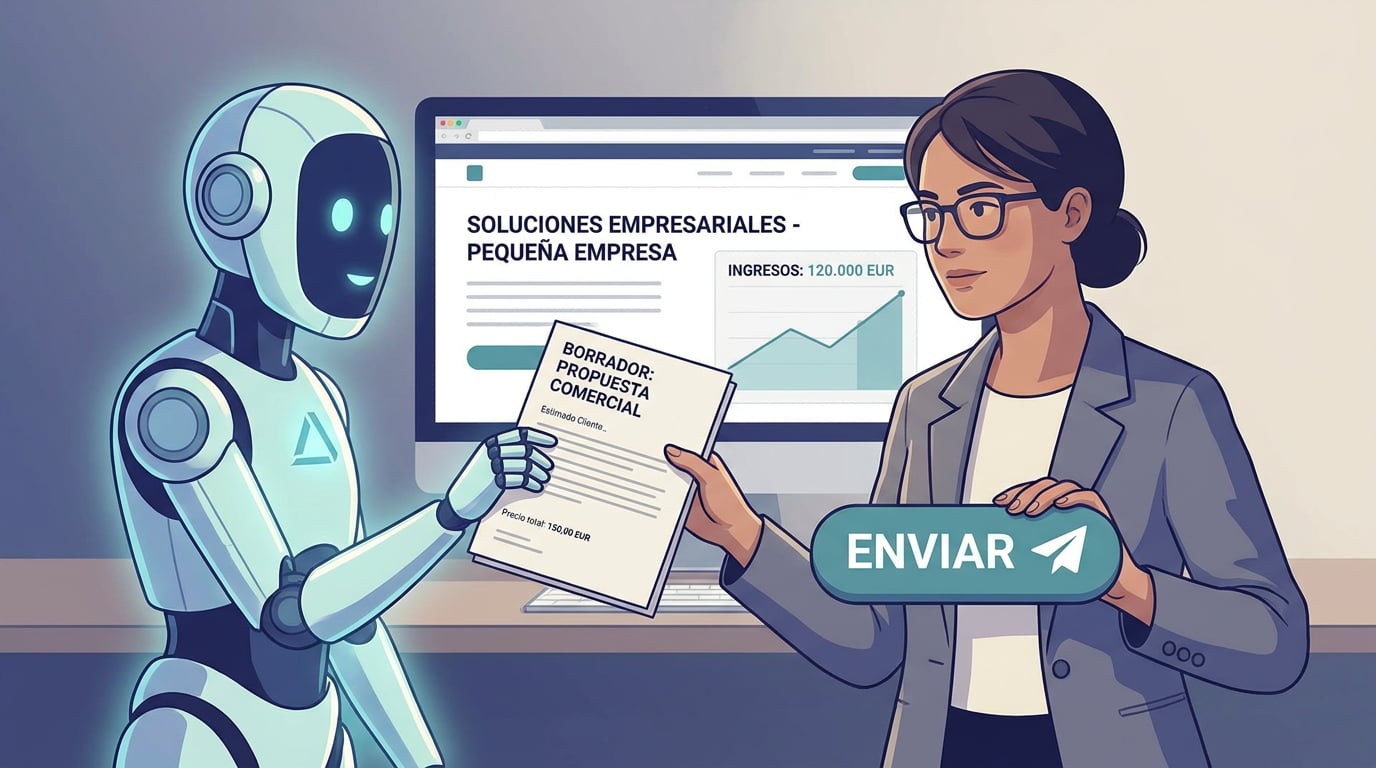
There are two ways to bring artificial intelligence into prospecting. One is to let it send: a thousand "personalised" emails that no one has read before they go out. The other is to let it write and have a person decide. At NAiOS, we chose the second option a long time ago, and Campañas takes it all the way: the copilotAI CopilotAI Assistant integrated into work tools writes, but it never sends. This is what it does, and what it doesn't do.
The first line, reading their website
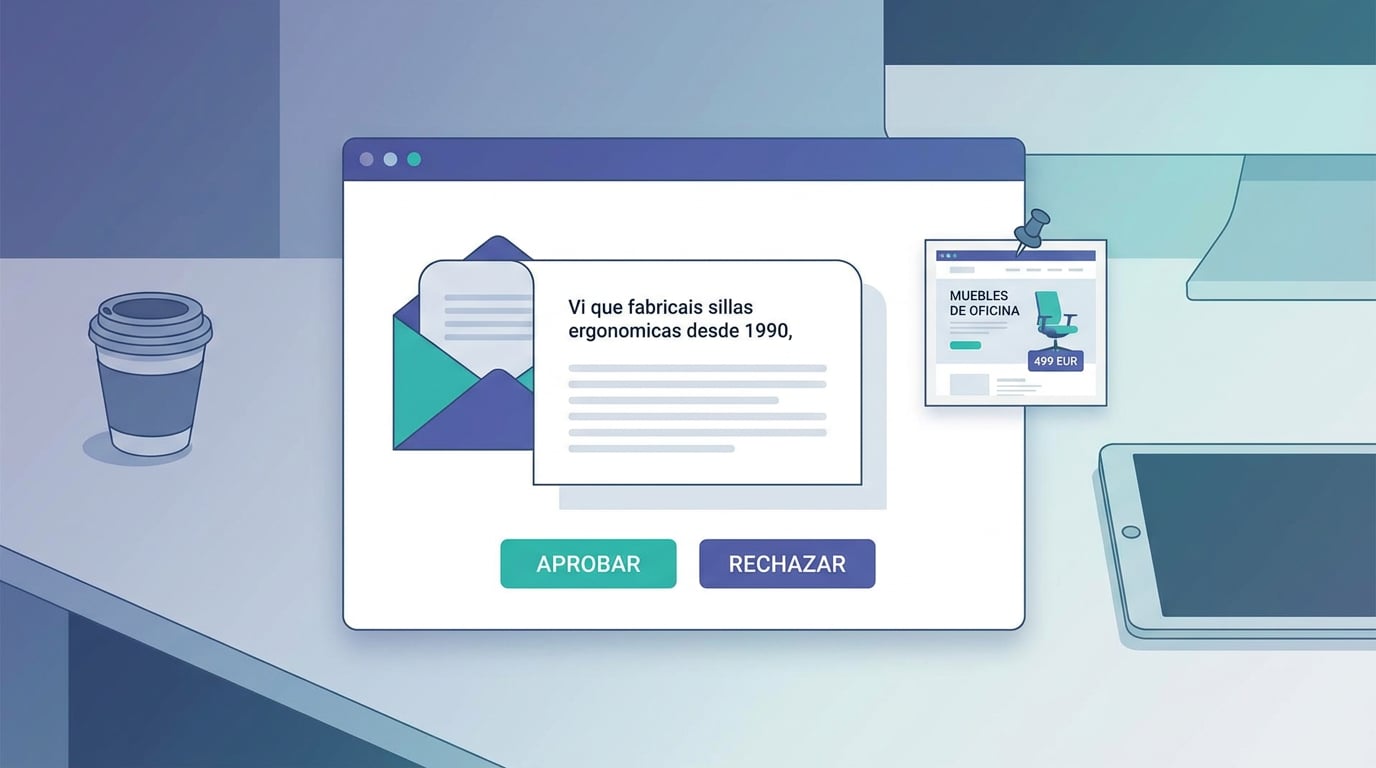
The first email in a sequence is won or lost on the first sentence. If you activate "personalise with AI" and "reading the company's website", before writing the draft, the copilot visits the contact's website (once; the result is saved for seven days) and extracts a specific detail: what they do, what they sell, where they are located. The first line goes from being "I saw your company" to "I saw that you have been manufacturing ergonomic chairs since 1990 in Girona". If the website doesn't respond, the draft is generated using the template without making anything up.
In your voice, not the AI's
You can choose a collection from your Knowledge as your brand voice: emails you have already written, your value proposition, your way of saying things. The copilot consults it before writing and writes the way you do, not like a generic model. No collection, no voice: it won't make one up.
Always a draft, always your click
None of the above changes the rule: the result is a draft in the approval inbox. You read it, tweak it if you want, and approve or reject it. One by one or in bulk. The AI doesn't have a send button; neither do the chat tools or the agents. It is a design decision, not a setting.
WhatsApp, only after they reply
A sequence can include a WhatsApp step. It only runs for those who have already replied by email; for everyone else, it is skipped. And it doesn't send: it creates a task with the pre-filled message and a link to OmniChat or WhatsApp with the phone number from the contact card. You send it yourself, if you want, whenever you want. Cold WhatsApp doesn't exist in NAiOS.
Subject line A/B testing in campaigns
For bulk emails, the AI doesn't write: your blocks and your brand are in charge there. But you can test two subject lines: a percentage of the list receives half of one and half of the other, and after the hours you set, the rest goes out with the one that got the most opens (in the event of a tie, clicks; in the event of another tie, version A). A small experiment before the main run.
Fit score
Each CRM card has a score from 0 to 100 showing how well they fit what you sell: related categories, priority province, having a website and email, already being a lead, recent activity. It is deterministic and recalculates with a button; sequences enrol those with the highest scores first. No magic: rules you can read and that the administrator can adjust.
The weekly summary, by an agent
"How did Campañas go this week?" From the chat or from a NAiOS Agents agent scheduled for Monday, the summary tool returns, by workspace: sequence emails sent, replies, new enrolments, drafts to approve, completed campaigns, opens, clicks, bounces, complaints and unsubscribes. Read-only: the agent informs, it doesn't act.
Why we do it this way
Because a sales email is signed by a person and received by another. AI can save you the time of looking at a hundred websites and writing a hundred first lines; it cannot decide for you who you write to or when. And because what is sent at scale without anyone reading it ends up in the spam folder, as a complaint, or with a penalty. Campañas is available on all plans; the copilot is activated per sequence, whenever you want.